The visual codes that steer ChatGPT when it generates an image. Each one with its example and the exact prompt to reproduce it.
What they are
They are prefixes written at the start of a prompt to steer the kind of representation you want. They are not a fixed official menu: their effect depends on the model, the context and how detailed the prompt is. To see the shortcuts enabled on your account, type / in a new chat.
How to use them
Put one or more codes at the start, then add the subject, the must-have elements, the style, the format and the constraints. To edit an image, open it and state the change precisely.
/[code] /[secondary code] + subject + what it must show + style + language/labels + format + constraints
50 codes
Columns
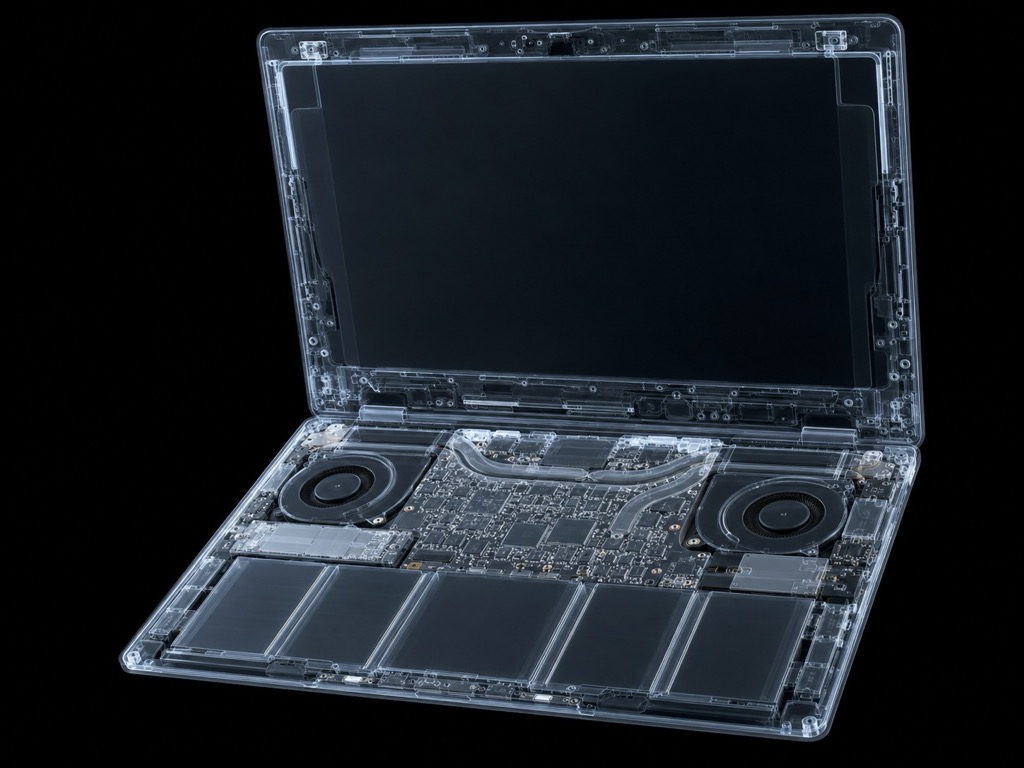
/xray
Reveal the interior or hidden mechanisms of an object
Example
/xray a MacBook showing battery, motherboard and fans
Prompt for this image
/xray an ultrathin open laptop revealing battery, motherboard, SSD and fans through a translucent shell. Photorealistic technical illustration, dark background, glowing contour lines. 4:3 format. No text, no logos, no brands.
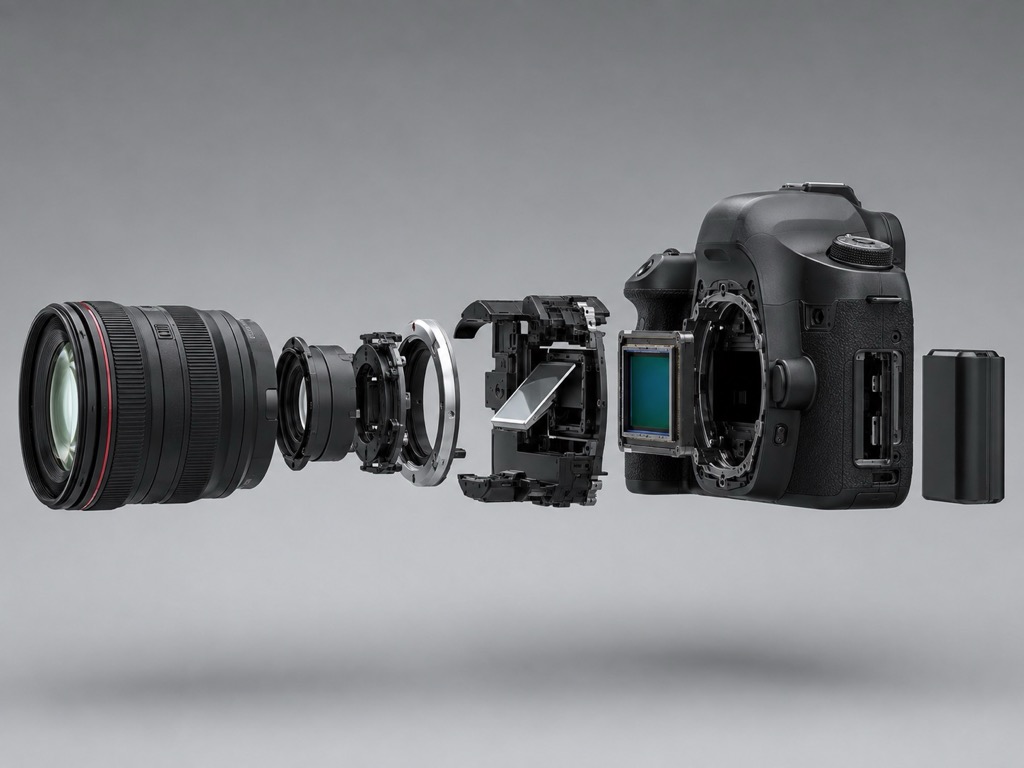
/explodedview
Separate components into an exploded view
Example
/explodedview a DSLR camera with parts floating in order
Prompt for this image
/explodedview a DSLR camera with body, lens, mirror, sensor and battery floating apart and aligned along one axis. Neutral grey background, studio light, soft shadows. 4:3 format. No text, no logos.
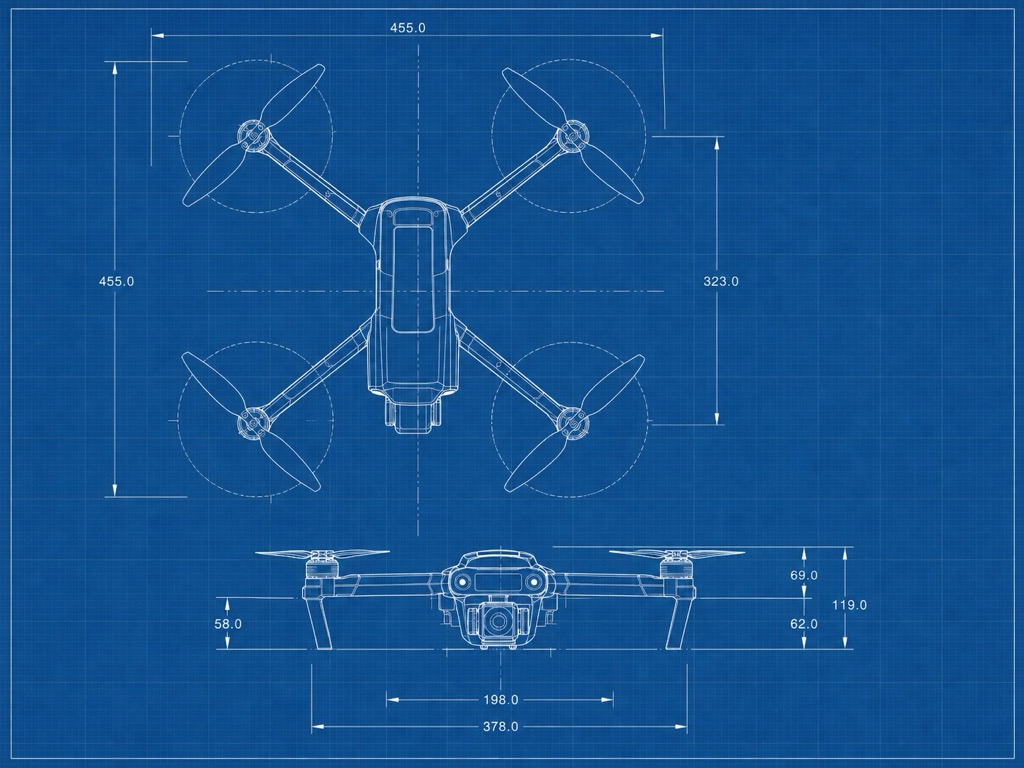
/blueprint
Blue technical plan with lines, dimensions and annotations
Example
/blueprint a professional drone, top and side view
Prompt for this image
/blueprint a professional quadcopter drone, top and side view with dimensions and axis lines. Classic blue technical plan, thin white stroke, background grid. 4:3 format. No logos.
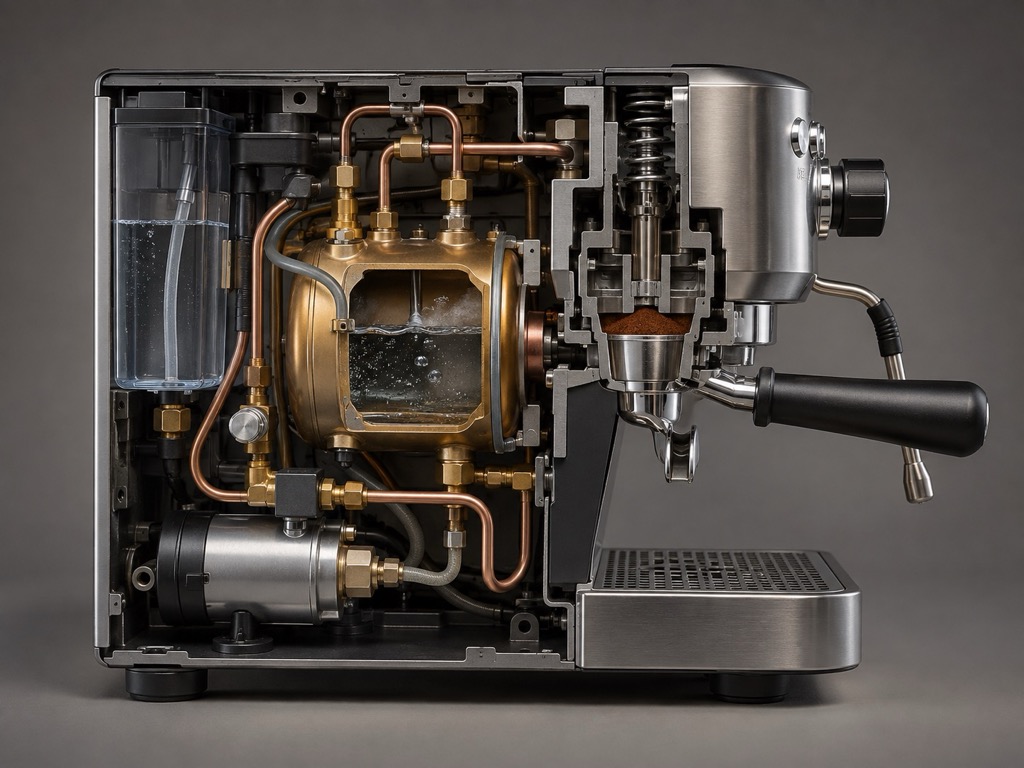
/cutaway
Cross-section that reveals the interior
Example
/cutaway an espresso machine showing boiler and water circuit
Prompt for this image
/cutaway an espresso machine sliced in half, showing boiler, pump, water circuit and portafilter. Clean cut, realistic materials, side light. 4:3 format. No text, no brands.
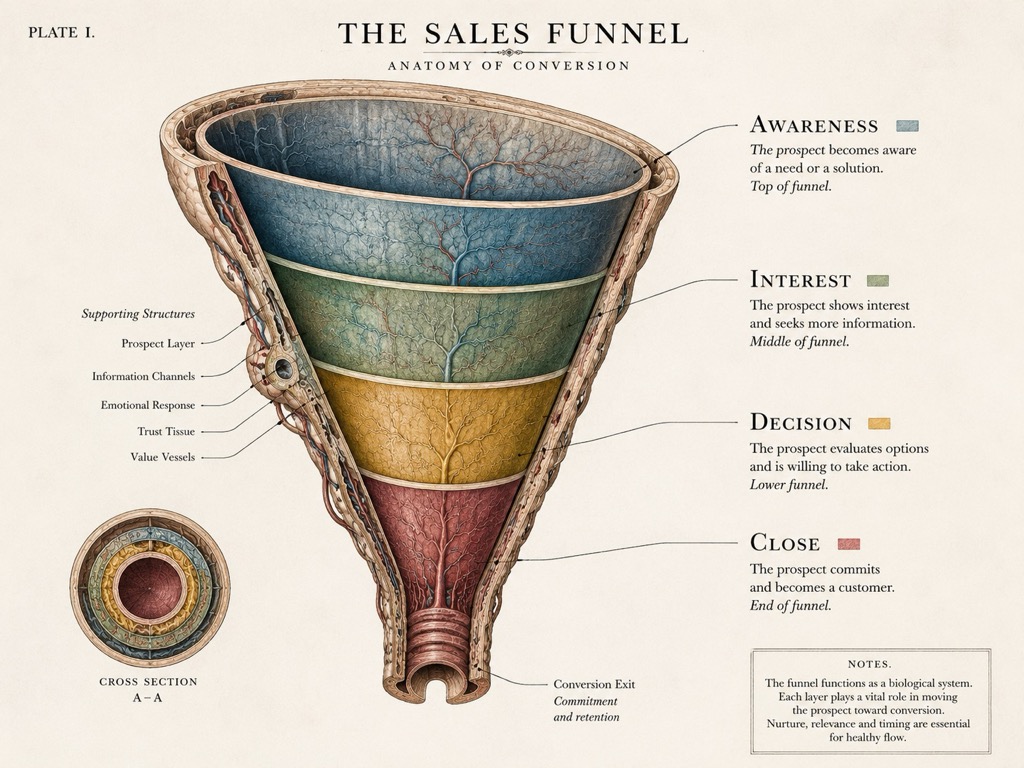
/anatomy
Anatomical breakdown of an object, system or concept
Example
/anatomy of a sales funnel with every stage labelled
Prompt for this image
/anatomy of a sales funnel drawn as a sectioned organ: awareness, interest, decision and close, each layer in a different tone. Scientific plate style, bone-white background. 4:3 format. Legible English labels.
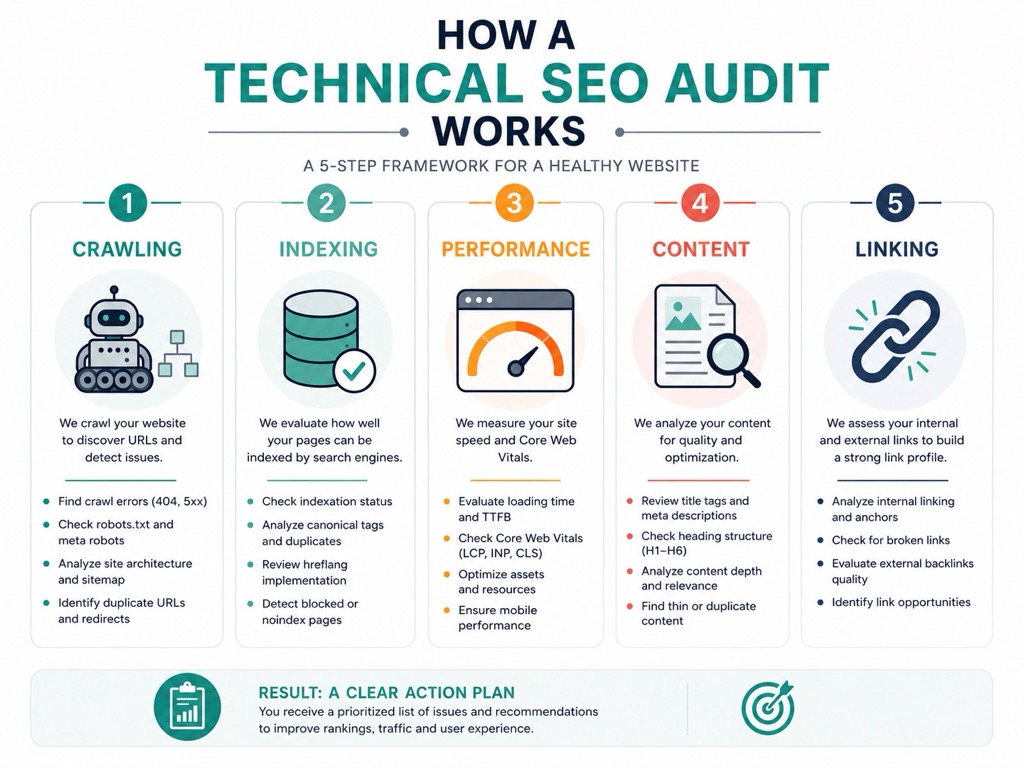
/infographic
Structured explanatory infographic
Example
/infographic how a technical SEO audit works
Prompt for this image
/infographic how a technical SEO audit works in five blocks: crawling, indexing, performance, content and linking. Clean design, three colours, flat icons, generous white space. Vertical 4:5 format. Legible English text, five blocks maximum.
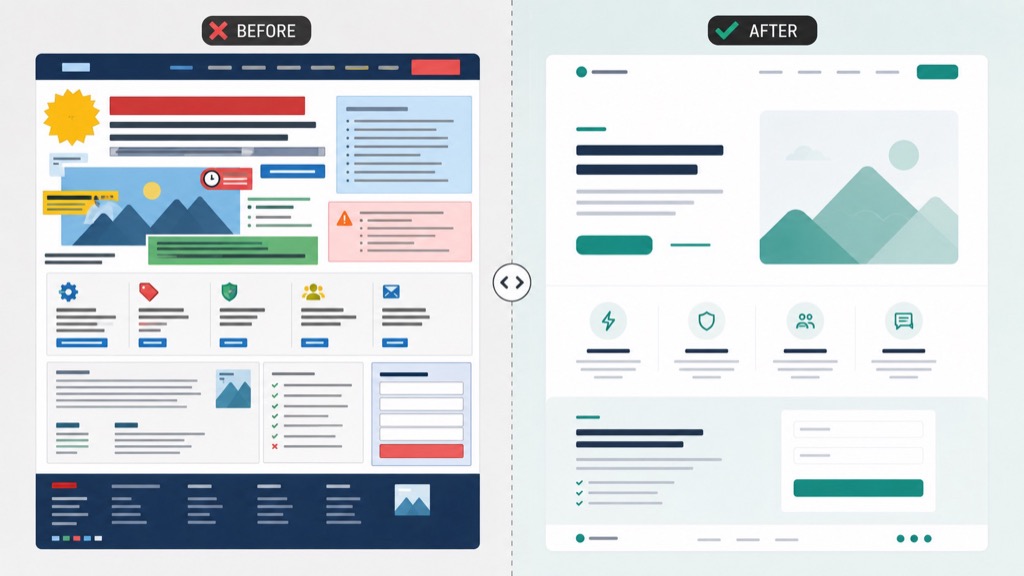
/beforeafter
Visual before / after comparison
Example
/beforeafter a slow landing page and one optimised for conversion
Prompt for this image
/beforeafter a landing page split in two halves: left cluttered, messy and slow; right clean, hierarchical and conversion-driven. 16:9 format, marked centre divider. No real text, only simulated blocks.
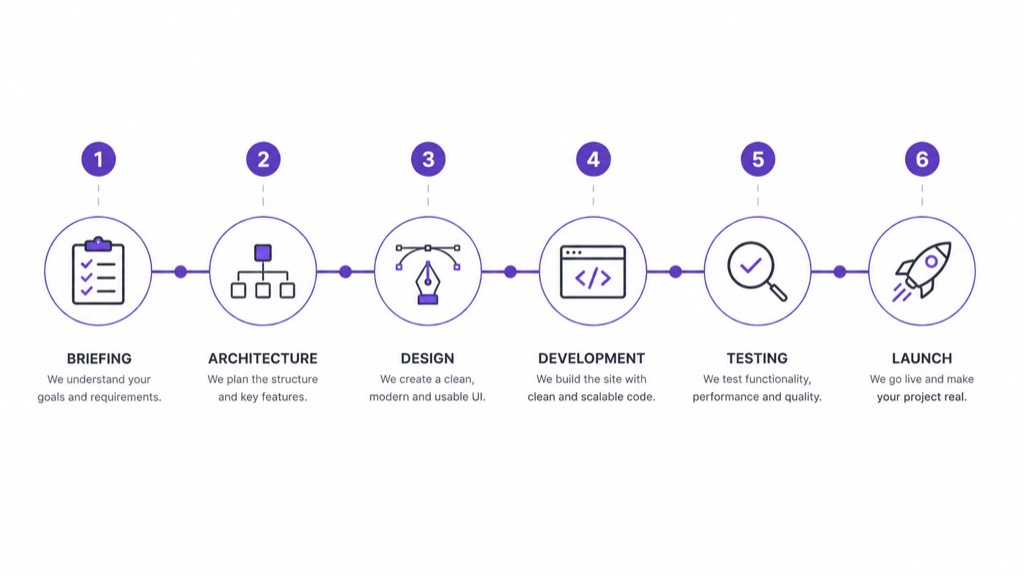
/timeline
Visual timeline
Example
/timeline of a web project from briefing to launch
Prompt for this image
/timeline horizontal of a web project with six milestones: briefing, architecture, design, development, testing and launch. Flat style, one accent colour, simple icons. 16:9 format. Short English labels.
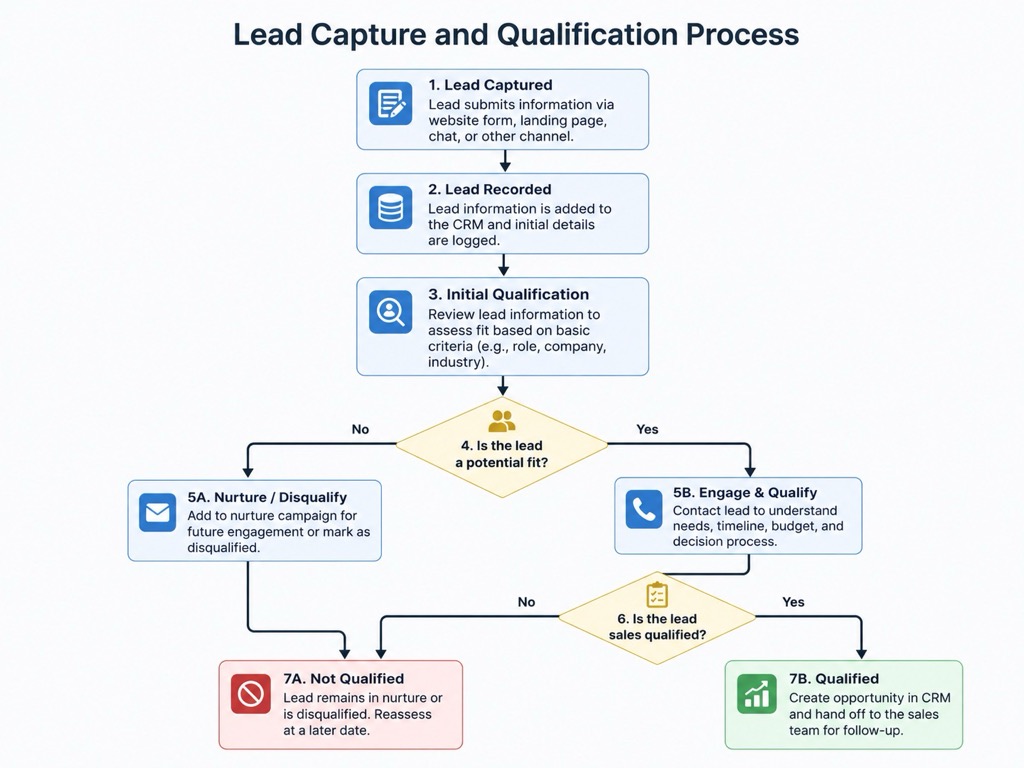
/flowchart
Flowchart or process diagram
Example
/flowchart of the lead capture and qualification process
Prompt for this image
/flowchart of the lead capture and qualification process, with diamond decision nodes and two final branches. Clean style, light background, crisp arrows. 4:3 format. Legible English text.
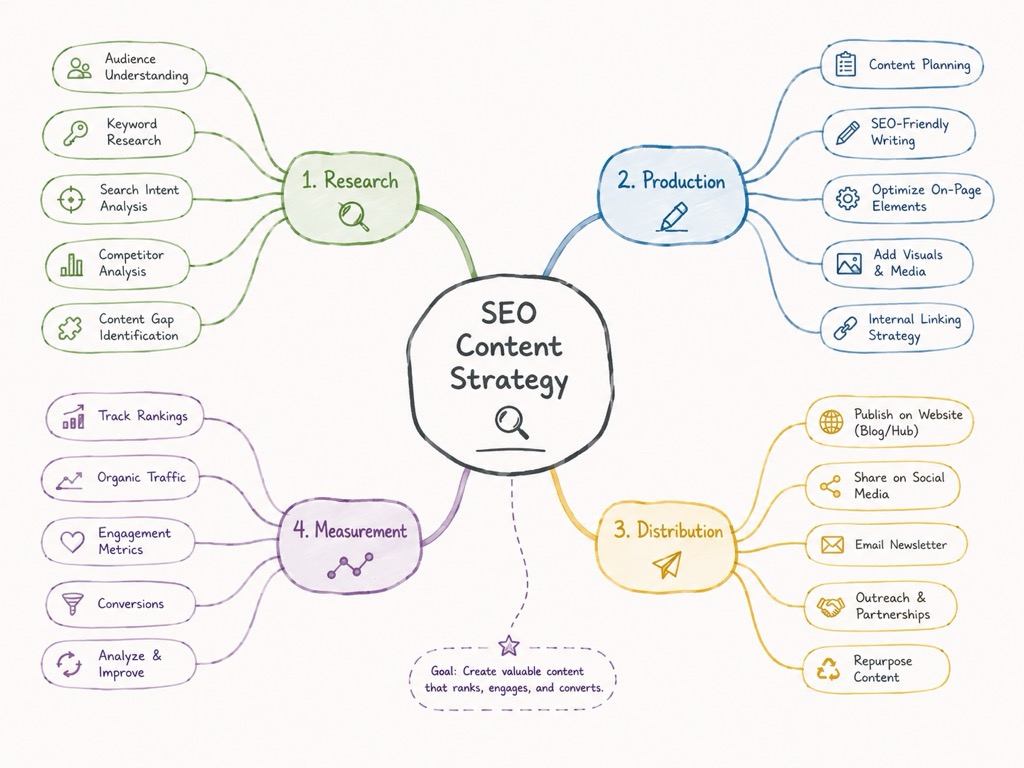
/mindmap
Mind map
Example
/mindmap of an SEO content strategy
Prompt for this image
/mindmap of an SEO content strategy with a central node and four branches: research, production, distribution and measurement. Organic stroke, soft palette. 4:3 format. English labels.
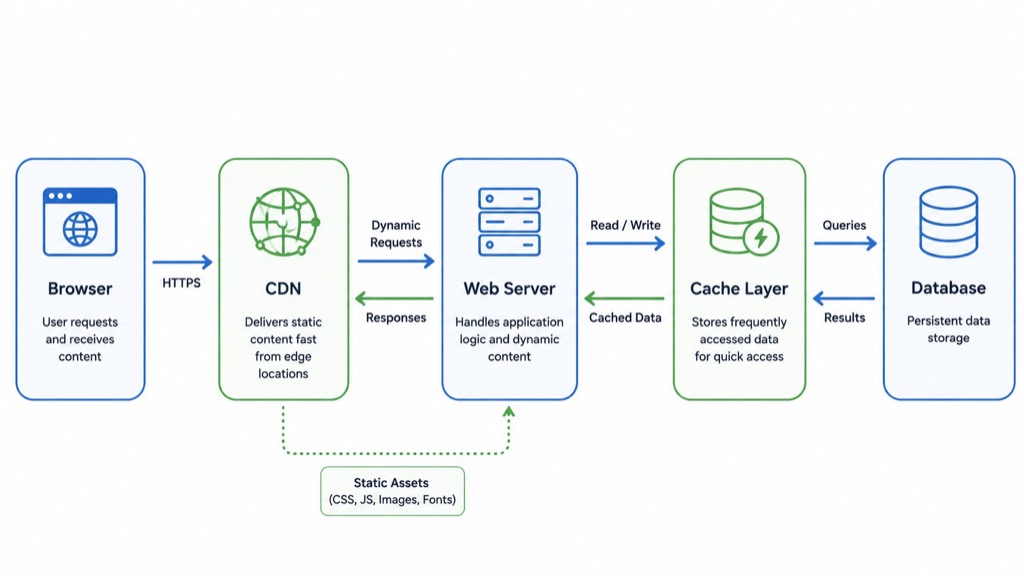
/diagram
Technical or conceptual schematic
Example
/diagram of a WordPress architecture with CDN, cache and database
Prompt for this image
/diagram of a web architecture with browser, CDN, server, cache layer and database connected by arrows. Clean technical style, rounded boxes, two colours. 16:9 format.
/isometric
Isometric 3D perspective
Example
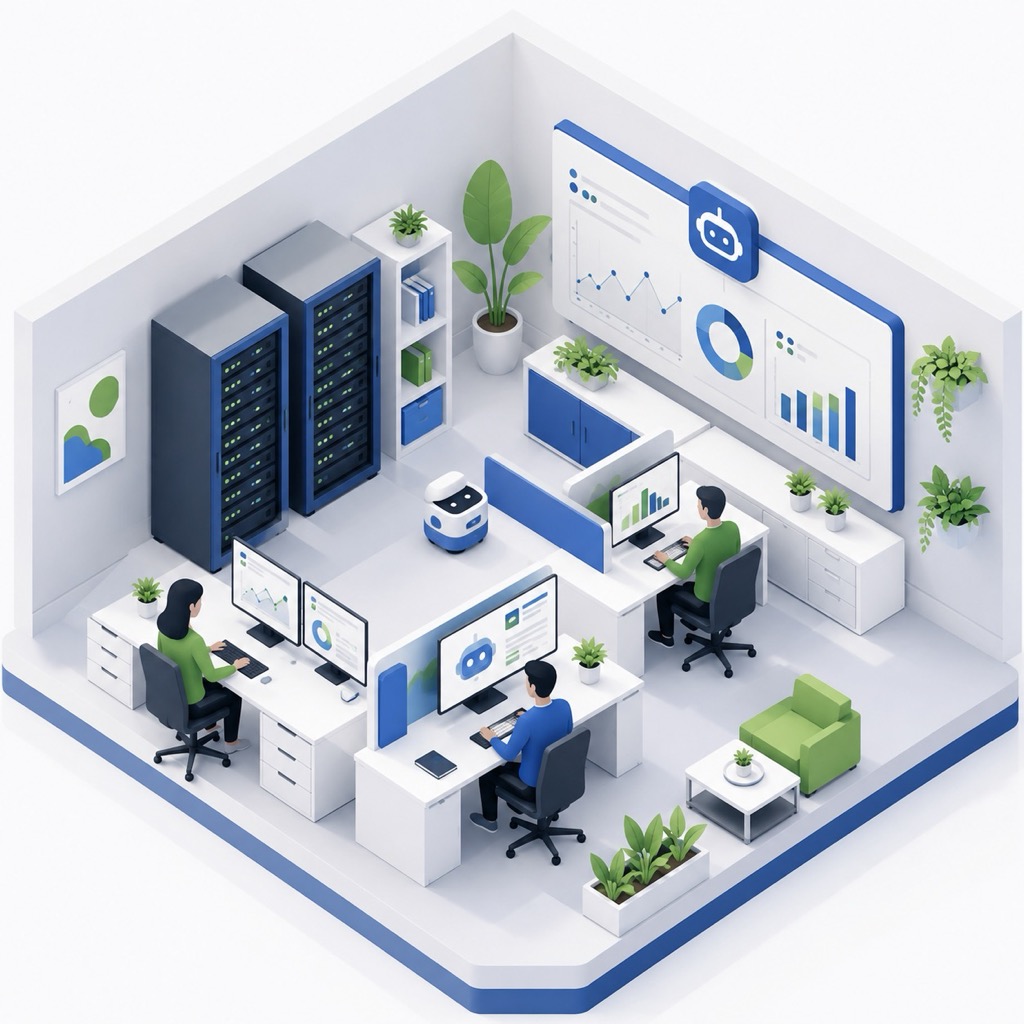
/isometric an AI automation office
Prompt for this image
/isometric a small AI automation office: desks, servers, screens with charts and plants. Clean isometric perspective, three-colour palette, soft shadows. 1:1 format. No text.
/3d
3D render or three-dimensional look
Example
/3d automation icon in glass and metal
Prompt for this image
/3d an automation icon made of gears and a lightning bolt, frosted glass and brushed metal materials. Neutral gradient background, soft studio light. 1:1 format. No text.
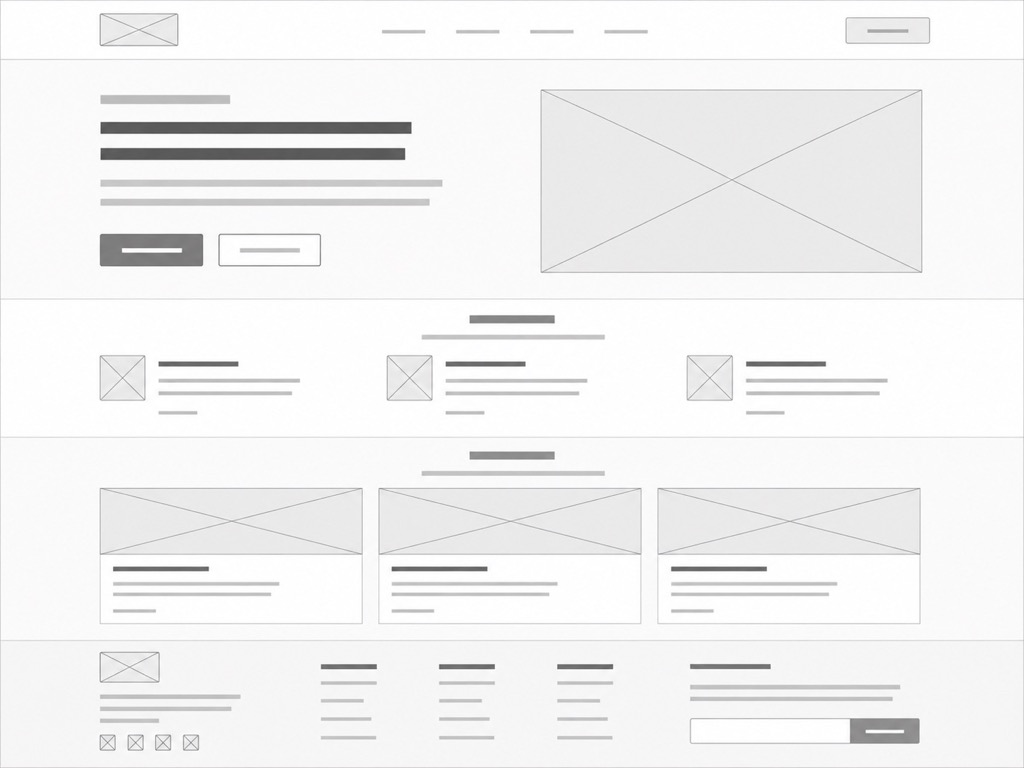
/wireframe low-fidelity homepage for an agency: header, hero, three services, case studies and footer. Grey boxes, simulated text lines, no colour. 4:3 format.
/ui
Product interface design
Example
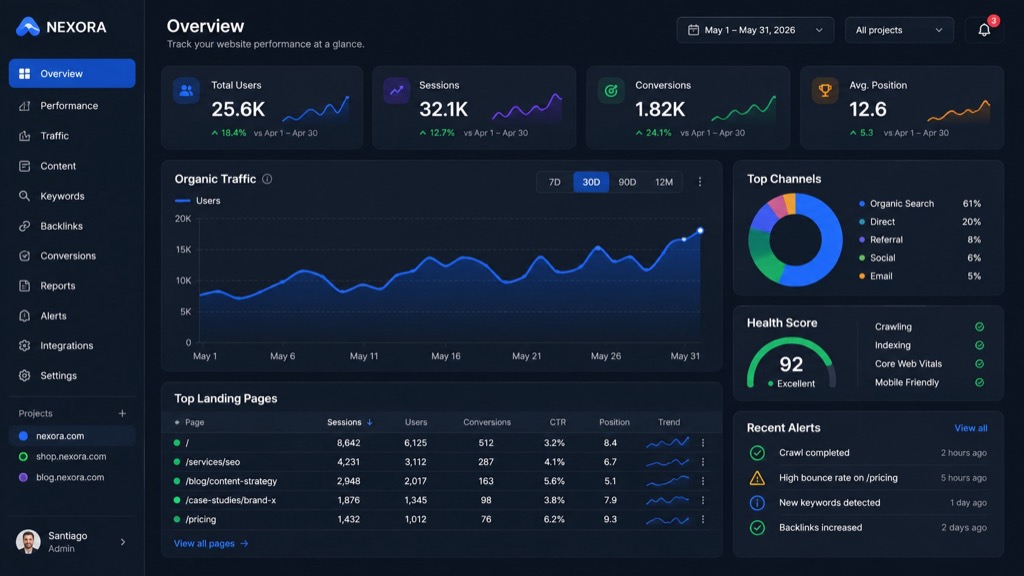
/ui SaaS SEO analytics dashboard, dark theme
Prompt for this image
/ui of a dark-theme SaaS analytics panel: sidebar, metric cards, line chart and table. Crisp typography, one accent colour. 16:9 format. Legible placeholder text.
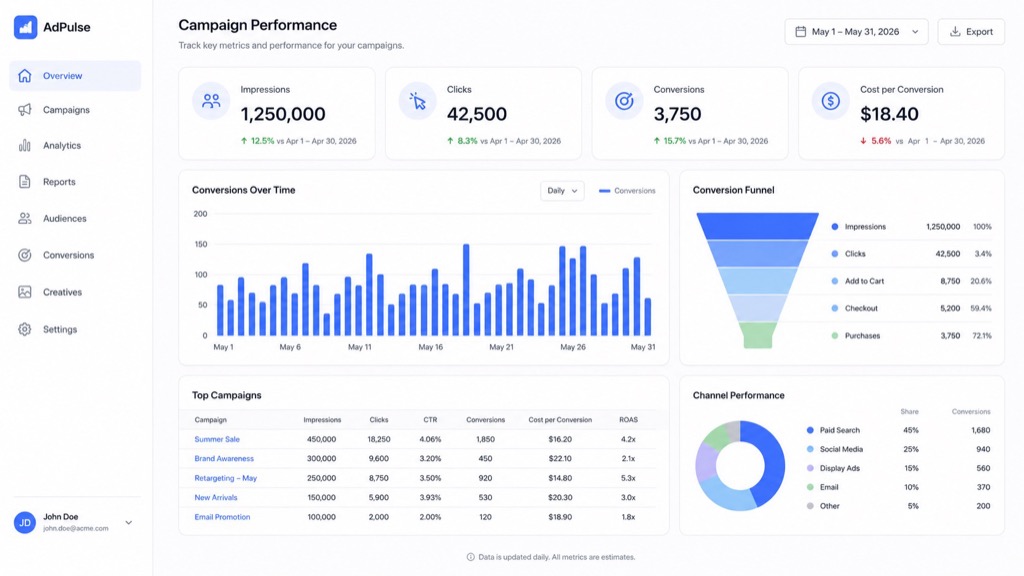
/dashboard
Metrics or control panel
Example
/dashboard of Google Ads campaign performance
Prompt for this image
/dashboard of campaign performance with four KPI cards, a bar chart and a funnel. Light theme, tidy grid, one accent colour. 16:9 format. Placeholder figures.
/poster
Promotional poster
Example
/poster for an artificial intelligence event
Prompt for this image
/poster for an artificial intelligence event: central geometric shape, large typography, two inks and generous negative space. Vertical 4:5 format. English text, three lines maximum.
Reference
/editorial
Image or cover with editorial art direction
Example
/editorial portrait of an AI consultant in a minimalist office
Prompt for this image
/editorial half-body portrait of a consultant in a minimalist office, side window light, sober palette, negative space on the left for a headline. 4:5 format. No text.
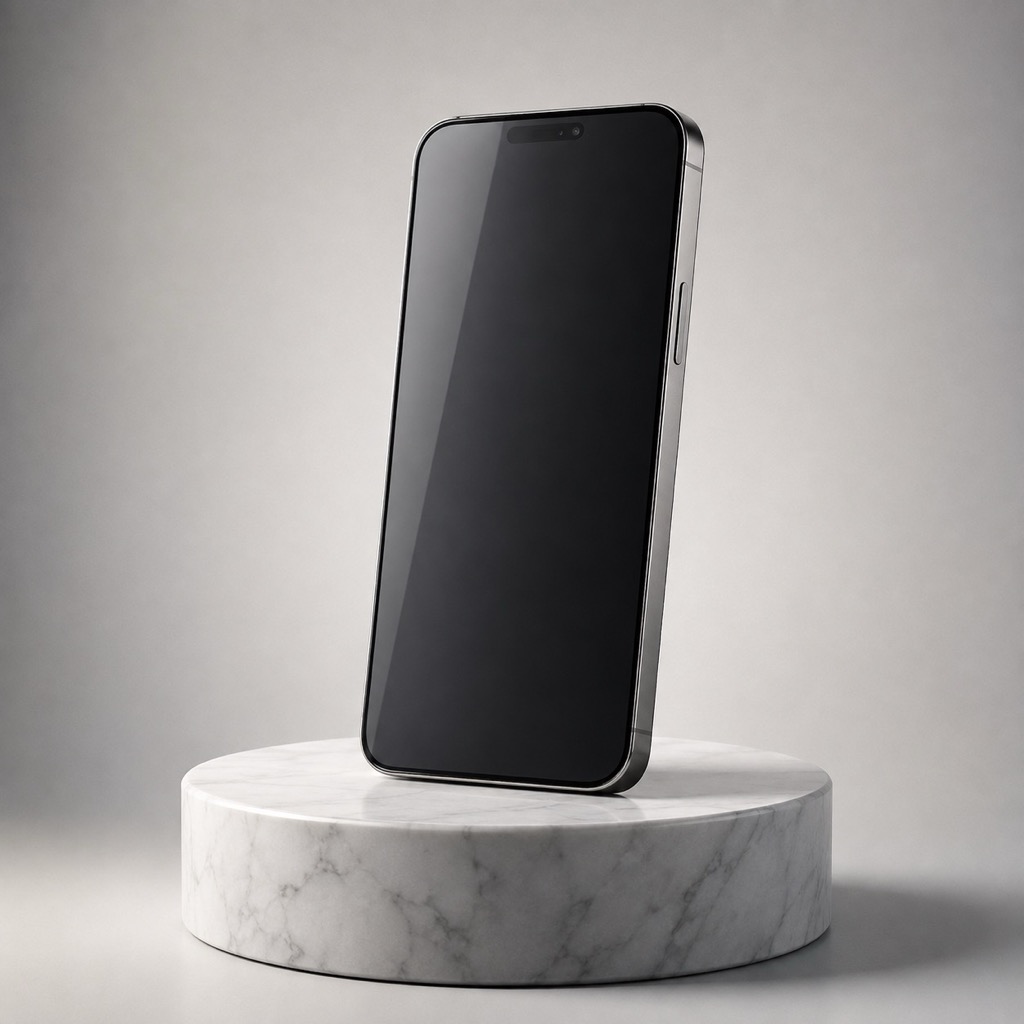
/productshot
Commercial product photography
Example
/productshot of a smartphone on a marble pedestal
Prompt for this image
/productshot of an unbranded smartphone on a marble pedestal, neutral gradient background, studio light with a soft reflection and short shadow. 1:1 format. No logos.
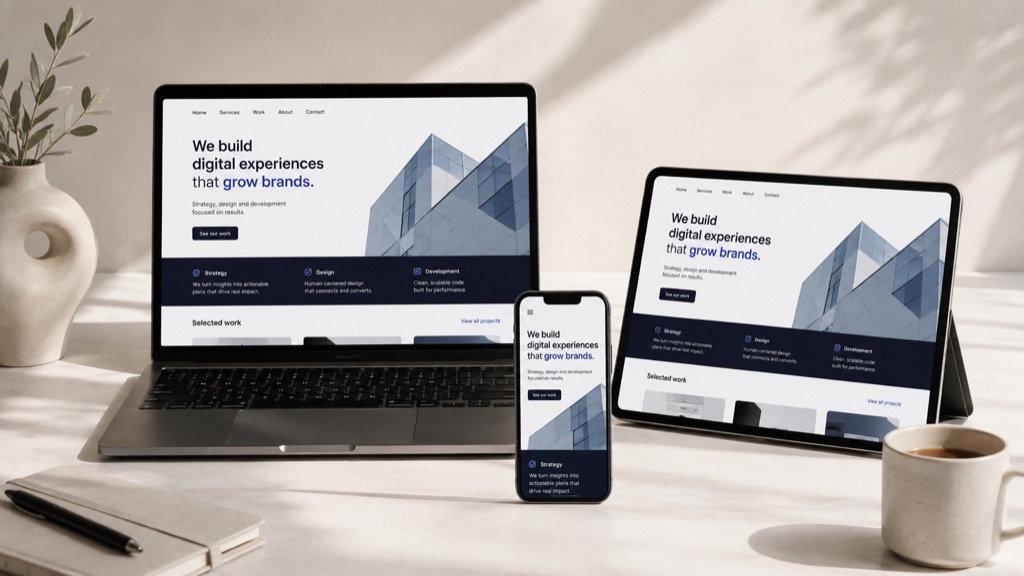
/mockup
A design presented on a device or surface
Example
/mockup of a website on MacBook, iPhone and tablet
Prompt for this image
/mockup of a website shown at once on laptop, phone and tablet on a light desk, three-quarter view, natural light. 16:9 format. Simulated screens, no logos.
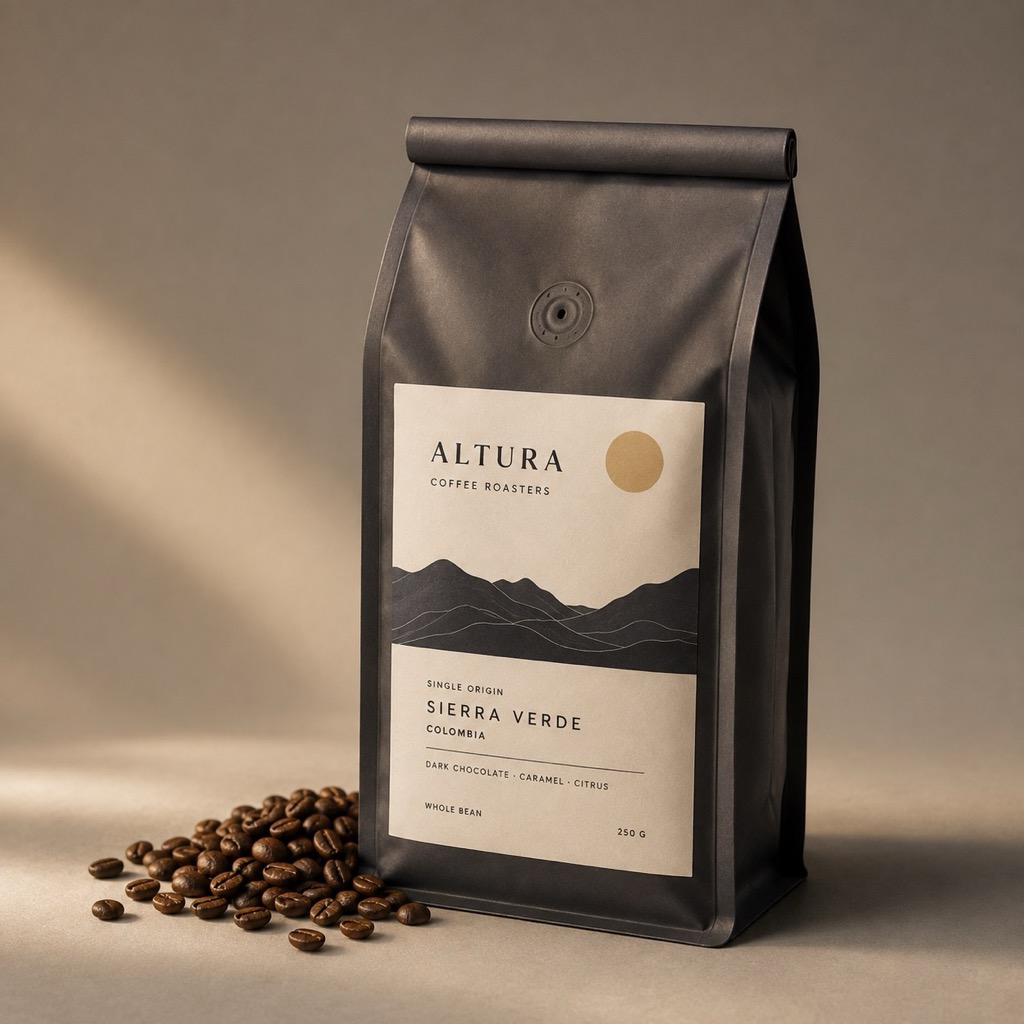
/packaging
Packaging design or visualisation
Example
/packaging for a premium coffee brand
Prompt for this image
/packaging of a premium coffee bag with a minimalist two-ink label, next to loose beans. Matte background, warm side light. 1:1 format. Fictional brand, no real logos.
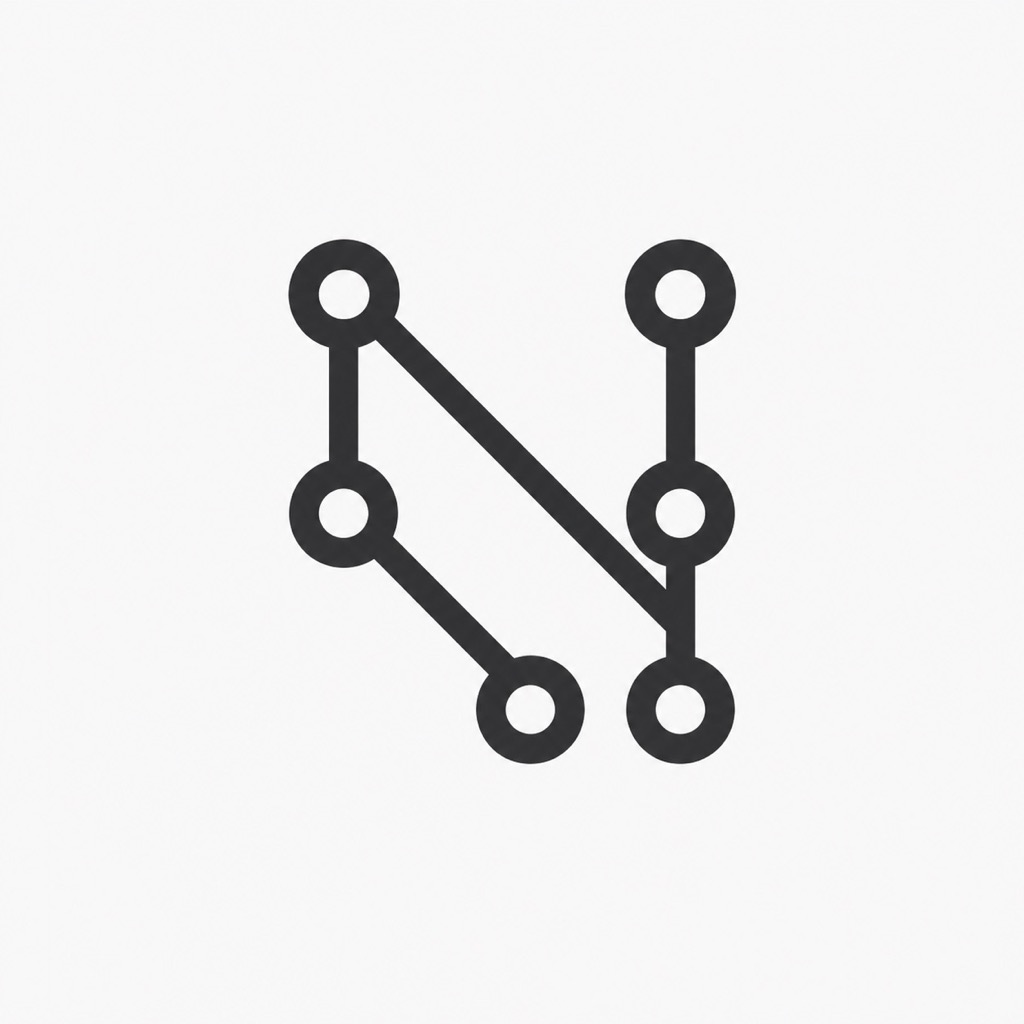
/logo
Identity or logo concept
Example
/logo for an automation platform called Nexo
Prompt for this image
/logo abstract mark for an automation platform: connected nodes forming an N, uniform geometric stroke, monochrome on a light background. 1:1 format. Fictional brand.
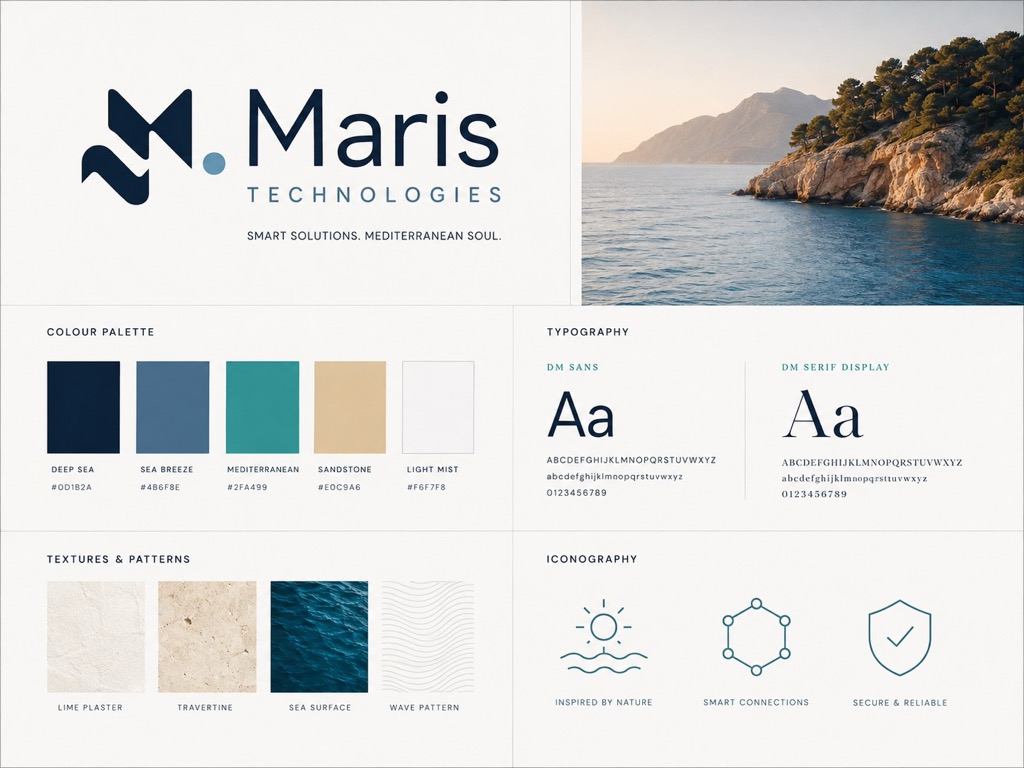
/brandboard
Brand board: colour, type and assets
Example
/brandboard for a Mediterranean tech brand
Prompt for this image
/brandboard for a Mediterranean tech brand: five-colour palette, two typefaces, textures and three icons laid out on a grid. 4:3 format. Fictional brand, short labels.
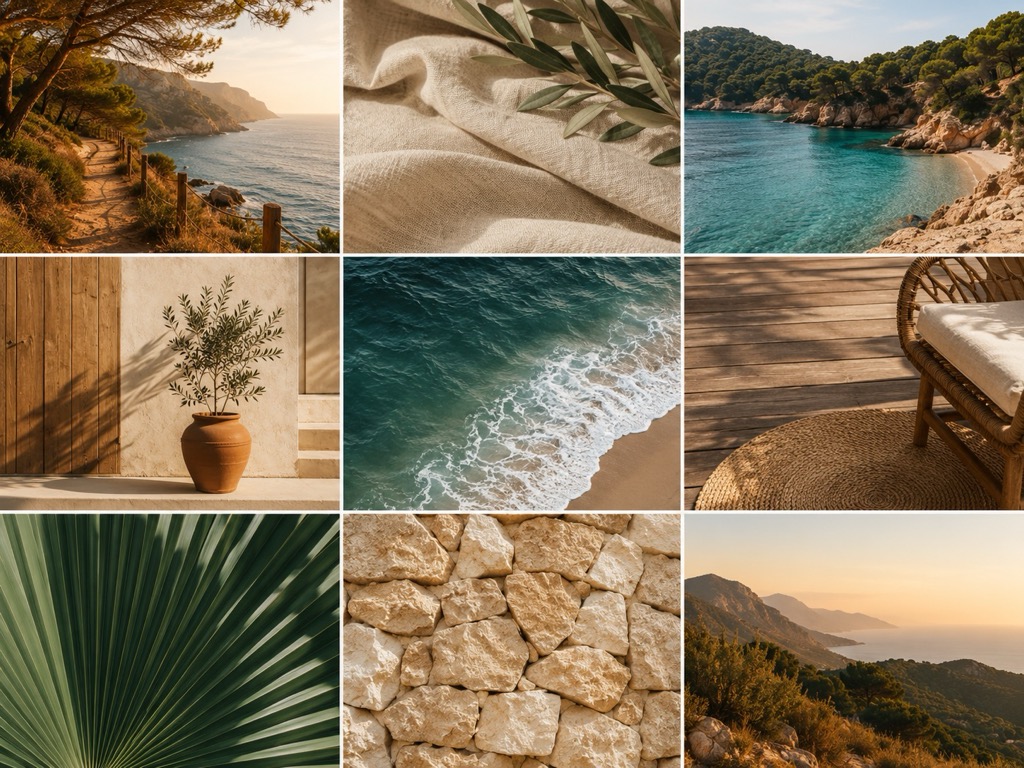
/moodboard
Visual inspiration board
Example
/moodboard for a sustainable tourism brand in Málaga
Prompt for this image
/moodboard for a sustainable tourism brand: nine-image mosaic with coastline, natural materials, typography and a warm palette. 4:3 format. No text over the photos.
Reference
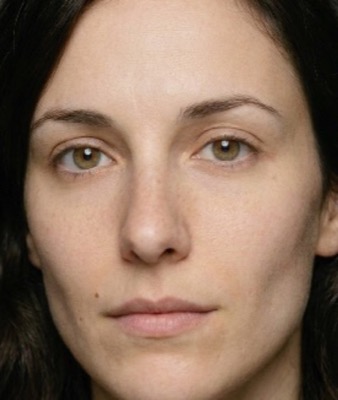
/photorealistic
Realistic photographic look
Example
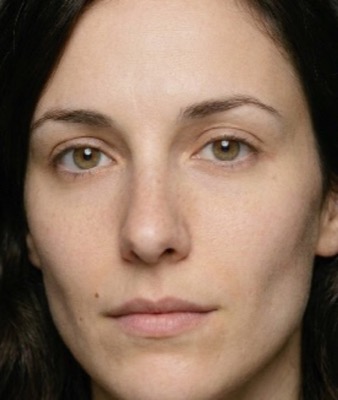
/photorealistic professional portrait, window light
Prompt for this image
/photorealistic half-body professional portrait beside a window, soft diffused light, neutral blurred background, realistic skin and fabric detail. 4:5 format. No text.
/cinematic
Cinematic aesthetic
Example
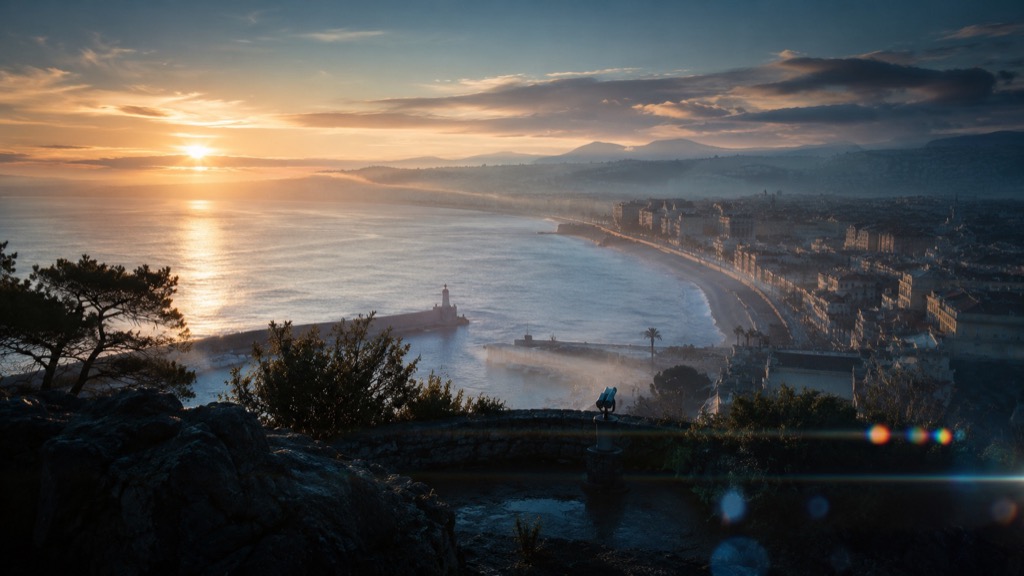
/cinematic a coastal city at dawn, anamorphic lens
Prompt for this image
/cinematic a coastal city at dawn seen from a viewpoint, low mist, anamorphic flares and a cool palette with a warm accent. 16:9 format. No text.
/filmstill
Film still
Example
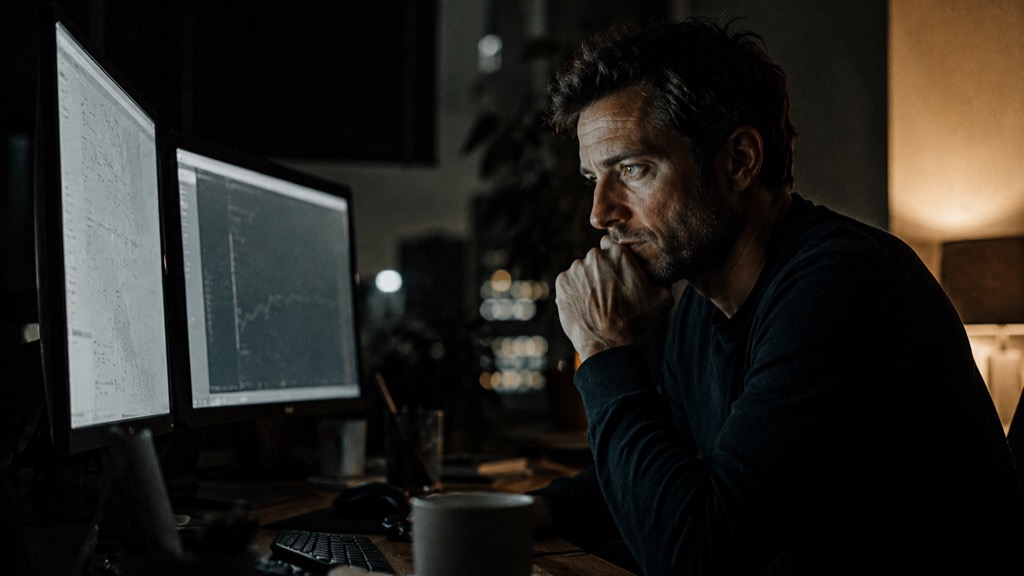
/filmstill of an entrepreneur working at night
Prompt for this image
/filmstill of an entrepreneur working at night in front of two screens, monitor light on the face, film grain and high contrast. 16:9 format. No text.
/vintage
Retro or aged look
Example
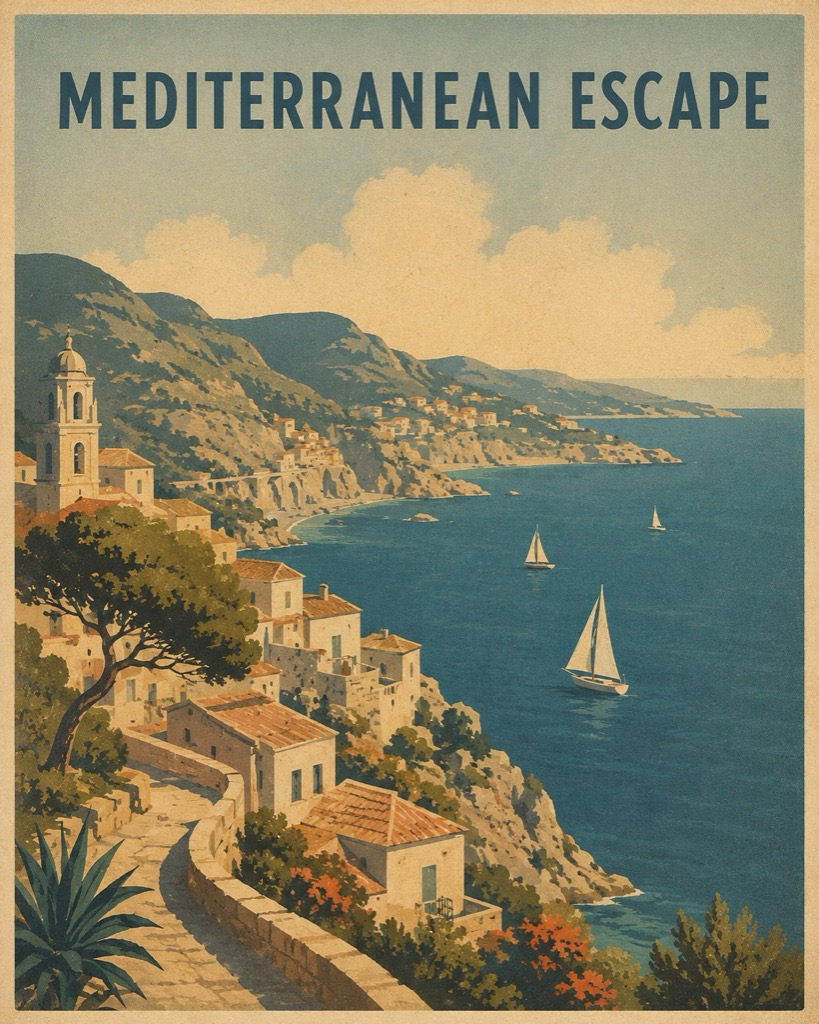
/vintage travel poster of the Costa del Sol
Prompt for this image
/vintage travel poster of a Mediterranean coast in 1950s style: flat illustration, desaturated colours, printed-paper texture. Vertical 4:5 format. English text, one line only.
/retro
Aesthetic of a past era
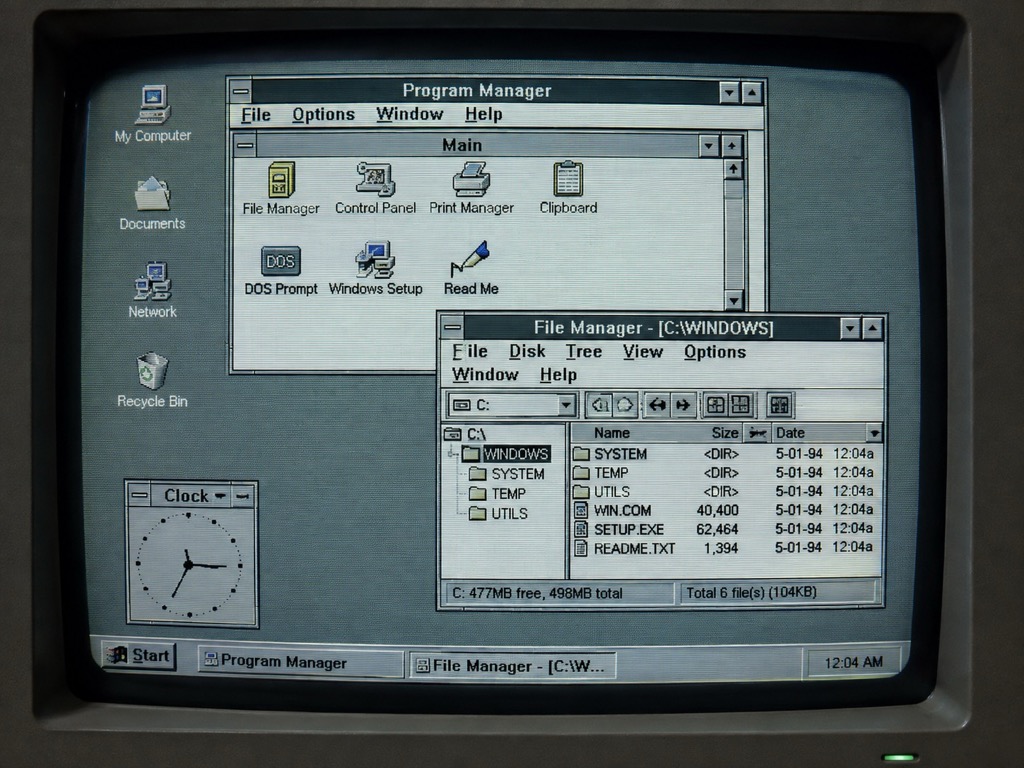
Example
/retro 1990s computer interface
Prompt for this image
/retro a 1990s computer interface on a CRT screen: grey windows, bevelled buttons, bitmap font and a faint phosphor glow. 4:3 format.
/pixelart
Pixel art
Example
/pixelart a web developer's office
Prompt for this image
/pixelart of a developer's office seen from the side: desk, two monitors, mug and plant. 16-colour palette, crisp pixels with no anti-aliasing. 1:1 format.
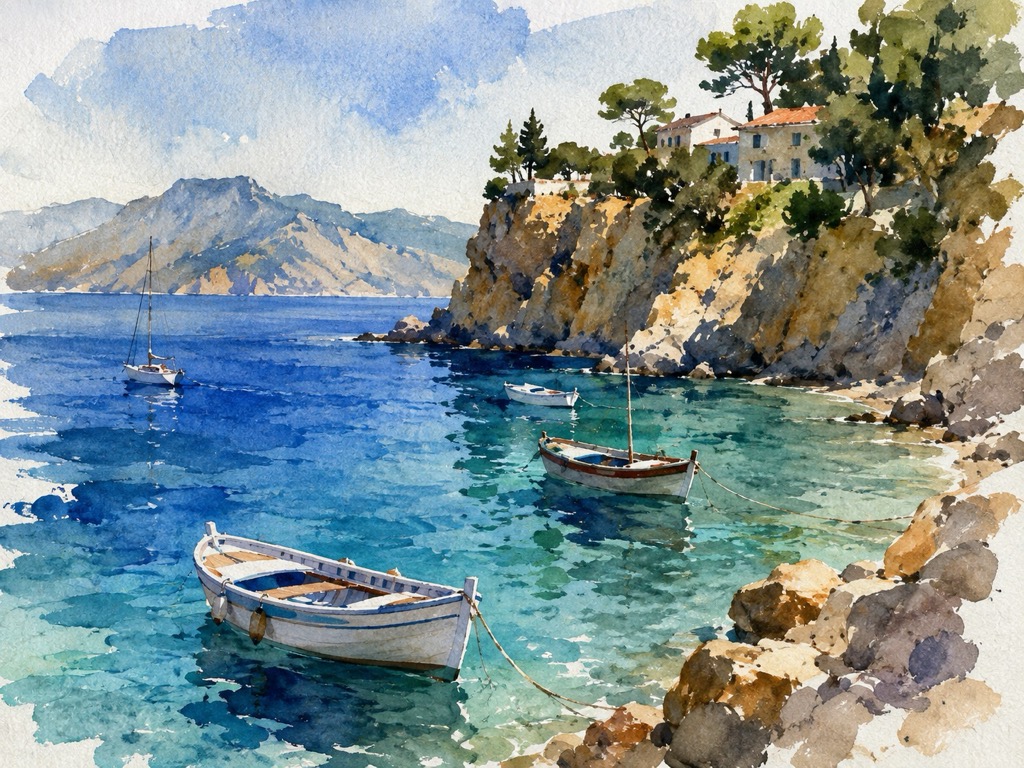
/watercolor
Watercolour
Example
/watercolor landscape of a Mediterranean cove
Prompt for this image
/watercolor of a Mediterranean cove with boats and a cliff, loose brushwork, wet edges and visible paper. 4:3 format. No text.
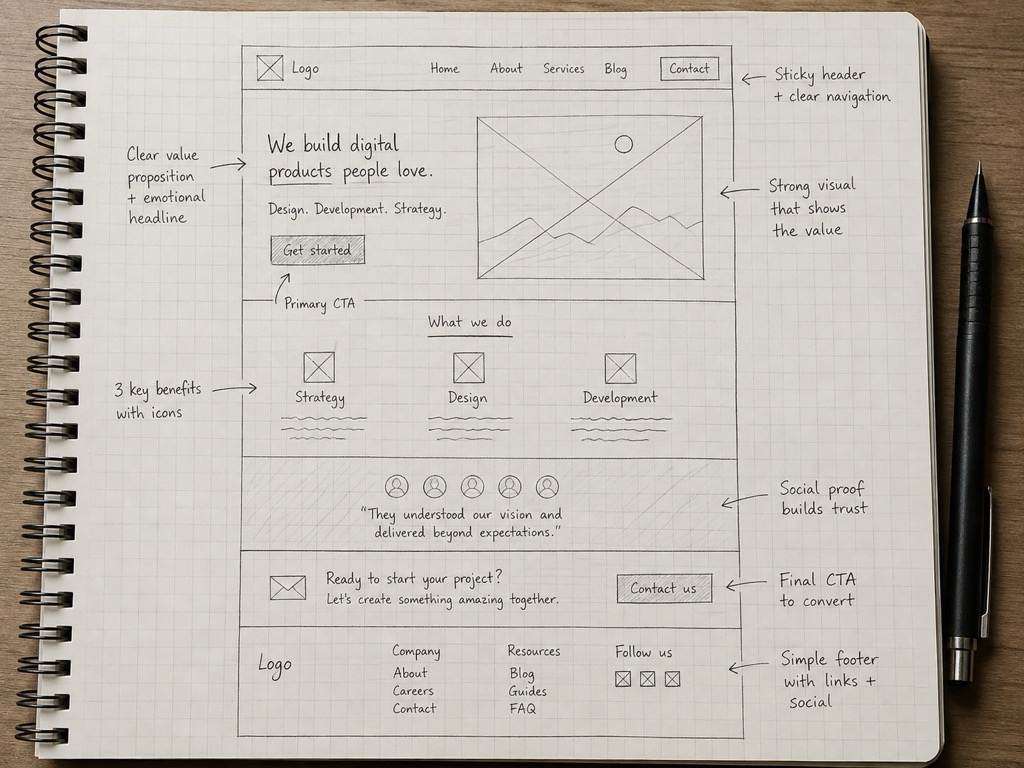
/sketch
Pencil or ink sketch
Example
/sketch of a landing page in a notebook
Prompt for this image
/sketch pencil drawing of a landing page in a grid notebook, with handwritten notes and arrows. Top-down photo of the notebook, natural light. 4:3 format.
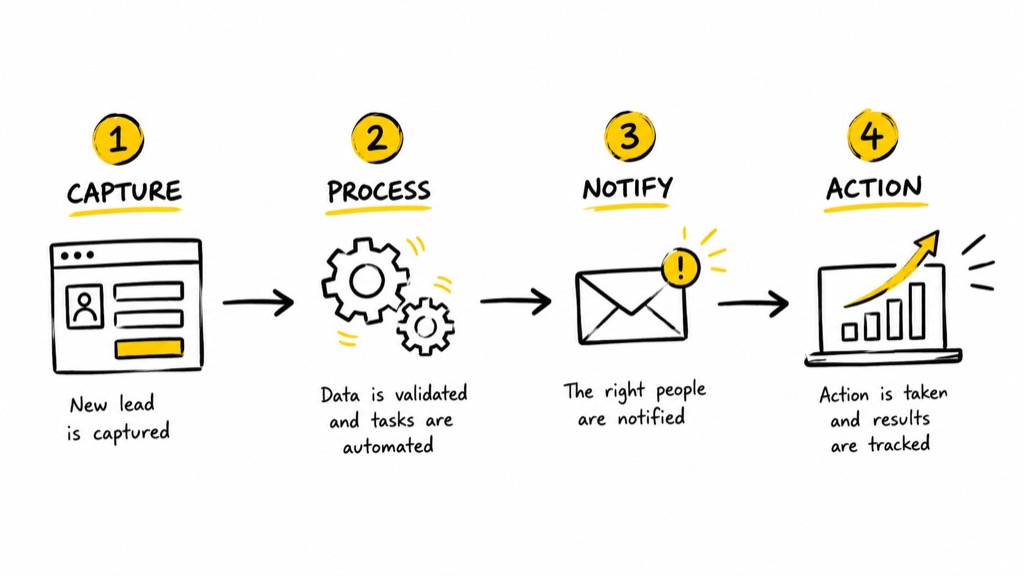
/handdrawn
Hand-drawn illustration
Example
/handdrawn an automation process with arrows
Prompt for this image
/handdrawn a four-step automation process joined by hand-drawn arrows, black marker stroke and one colour accent. White background. 16:9 format.
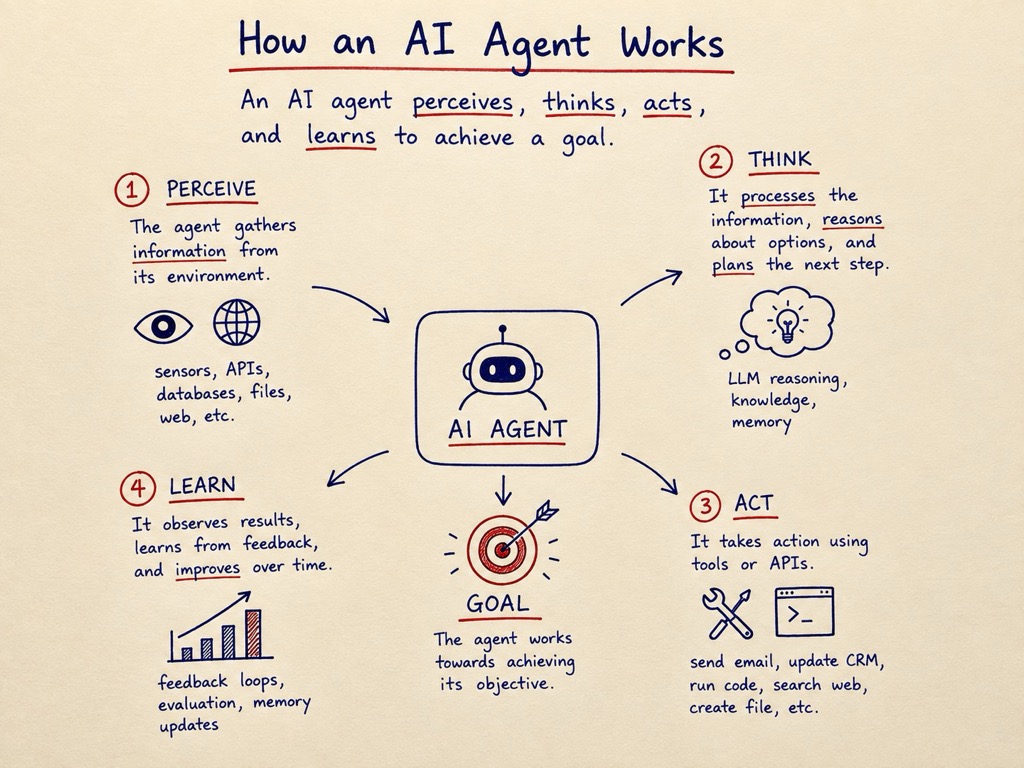
/handwritten
Handwritten notes style
Example
/handwritten visual explanation of an AI agent
Prompt for this image
/handwritten visual explanation of how an AI agent works, with handwriting, underlines and small drawings. Cream paper, blue and red ink. 4:3 format. Short, legible English text.
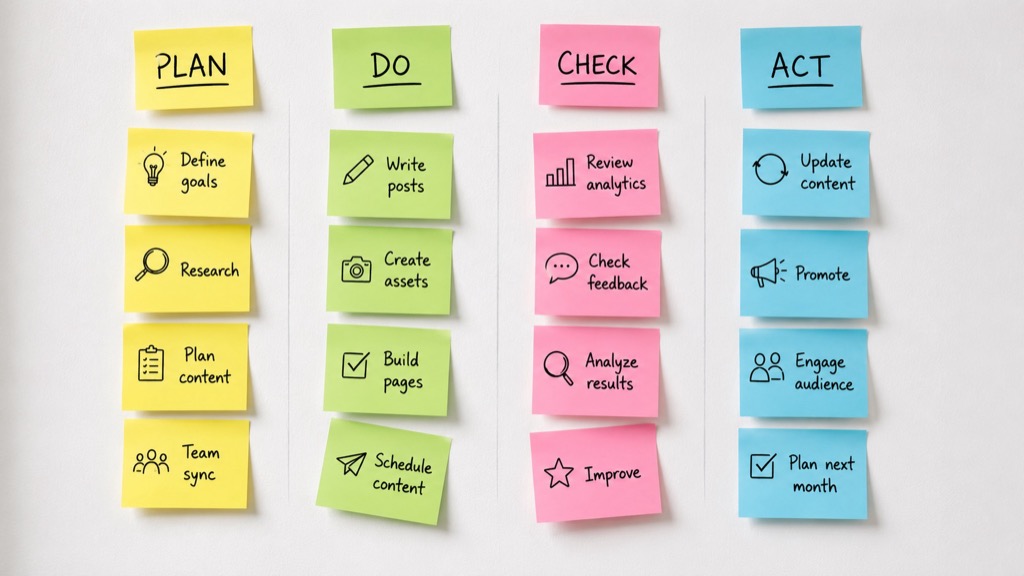
/stickynotes
Sticky-note board
Example
/stickynotes monthly content planning
Prompt for this image
/stickynotes a monthly planning board with four columns of coloured sticky notes on a white wall, some slightly askew. 16:9 format. Very short English text.
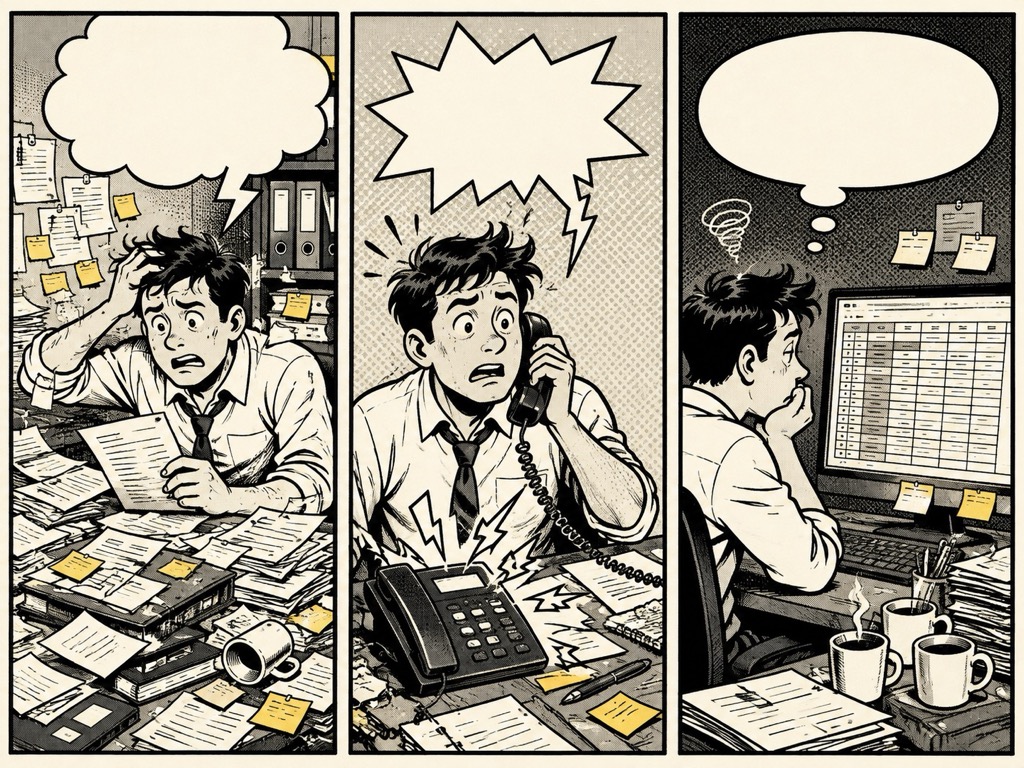
/comic
Comic strip or page
Example
/comic about the chaos of managing leads without a CRM
Prompt for this image
/comic three-panel strip about the chaos of managing contacts without a CRM: papers everywhere, a ringing phone and an endless spreadsheet. Inked style with halftones. 4:3 format. Empty speech bubbles.
/cartoon
Cartoon-style illustration
Example
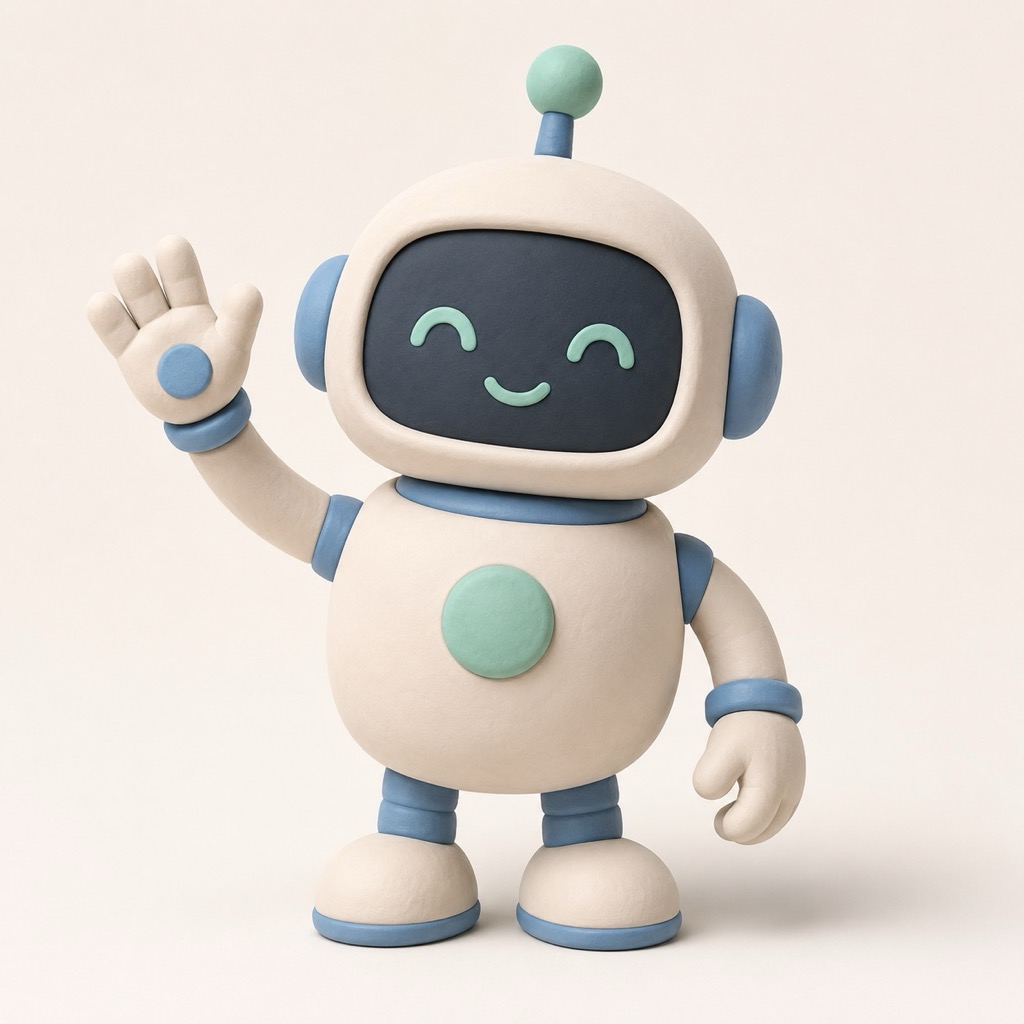
/cartoon of a robot helping with SEO tasks
Prompt for this image
/cartoon of a friendly robot ticking off items on a huge list, thick outline, flat saturated colours. Plain light background. 1:1 format. No text.
/vector
Clean vector illustration
Example
/vector icons for digital marketing services
Prompt for this image
/vector a set of nine digital marketing icons on a grid: search, funnel, chart, mail, chat, gear, target, cloud and phone. Uniform stroke, two colours. 1:1 format.
/minimal
Minimalist design
Example
/minimal cover for a local SEO guide
Prompt for this image
/minimal cover for a local SEO guide: a single geometric shape, two colours, generous white space and small type at the bottom. 4:5 format. English text, two words.
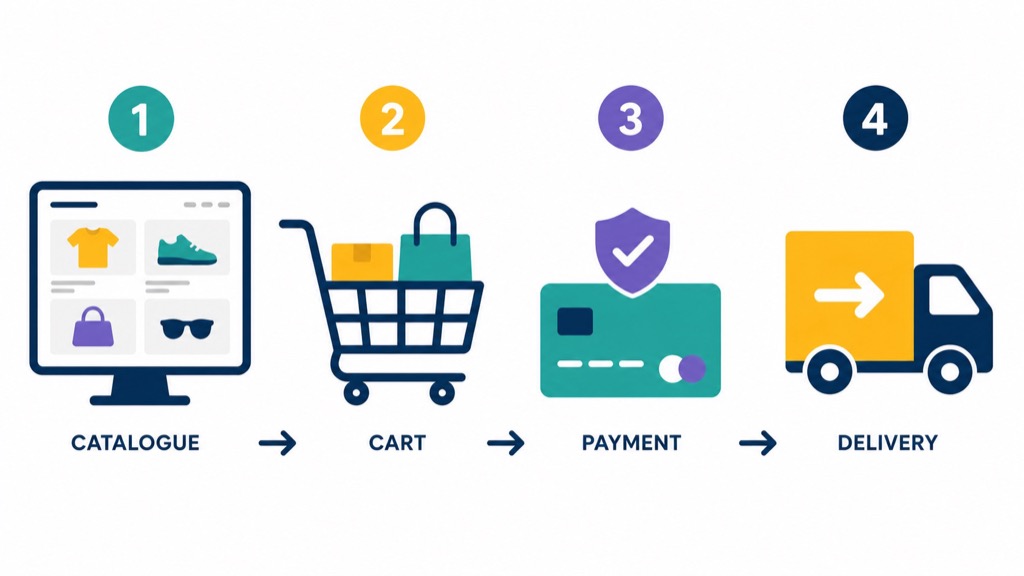
/flatdesign
Flat design with solid shapes and colours
Example
/flatdesign the checkout process of an e-commerce site
Prompt for this image
/flatdesign of an e-commerce checkout process in four steps: catalogue, cart, payment and delivery. Solid shapes, no shadows, four-colour palette. 16:9 format.
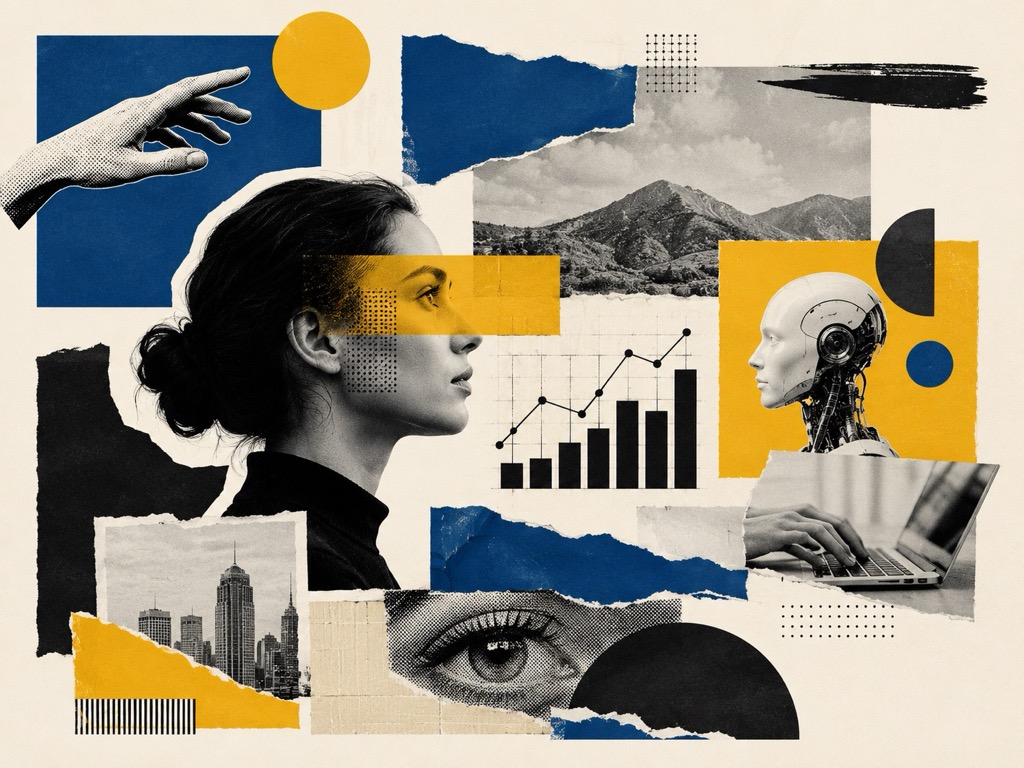
/collage
Editorial or artistic collage
Example
/collage of AI and marketing trends
Prompt for this image
/collage editorial piece on AI and marketing trends: magazine cut-outs, geometric shapes, torn-paper textures and a three-ink palette. 4:3 format. No legible text.
Reference
/magazinecover
Magazine cover
Example
/magazinecover about the future of SEO
Prompt for this image
/magazinecover of a tech magazine about the future of SEO: strong central image, large masthead on top and three side headlines. Vertical 4:5 format. Fictional magazine, short English text.
/socialpost
Social media creative
Example
/socialpost vertical about business automation
Prompt for this image
/socialpost vertical about business automation: flat colour background, geometric shape, space for a headline on top and a brand mark at the bottom. 4:5 format. English text, six words maximum.
Reference
/thumbnail
Video thumbnail
Example
/thumbnail YouTube about building AI agents
Prompt for this image
/thumbnail video thumbnail about building AI agents: expressive face on the left, large icon on the right, high contrast and a coloured border. 16:9 format. English text, three words maximum.
Reference
/story
Vertical story image
Example
/story ad for a free SEO audit
Prompt for this image
/story vertical ad for a free SEO audit: gradient background, diagonal shape, central space for a headline and a clear bottom area for the button. 9:16 format. English text, one line.
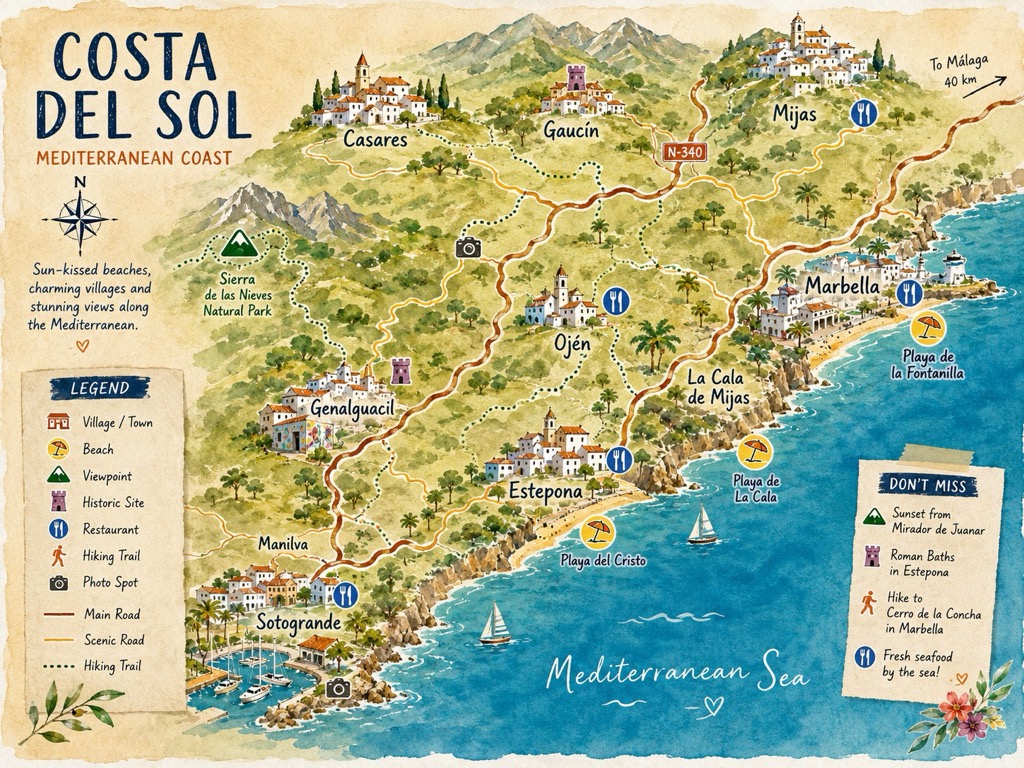
/map
Illustrated or informative map
Example
/map illustrated tourist map of a coastal region
Prompt for this image
/map illustrated tourist map of a Mediterranean coastal region with villages, beaches and roads, hand-drawn icons and a warm palette. 4:3 format. Legible English labels.
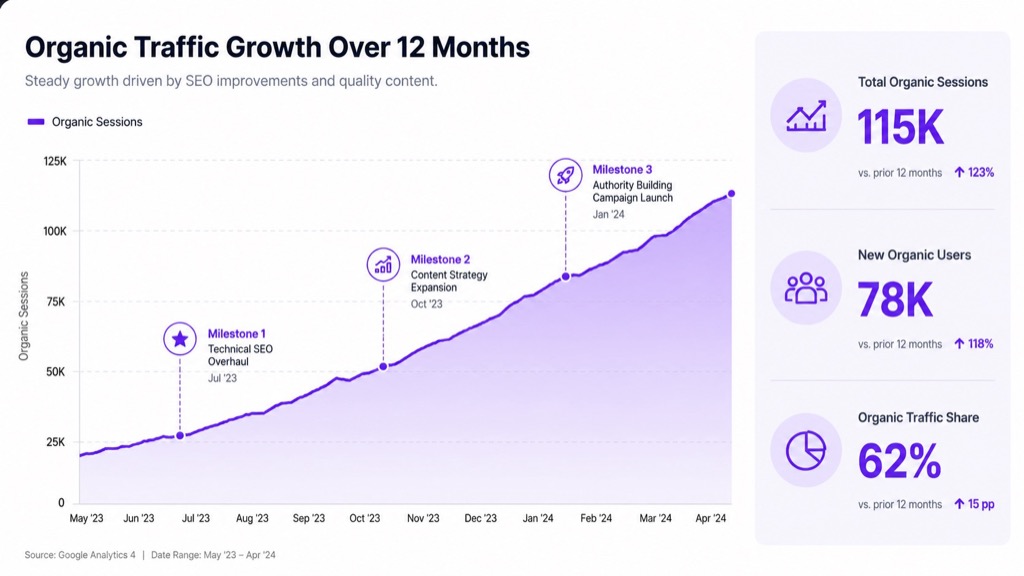
/dataviz
Data visualisation
Example
/dataviz of organic traffic growth over 12 months
Prompt for this image
/dataviz of organic traffic growth over twelve months: rising area chart with marked milestones and a side panel of three figures. Light background, one accent colour. 16:9 format. Placeholder figures.
/network
Network of nodes, relations or connections
Example
/network of tools connected in an automation
Prompt for this image
/network of tools connected in an automation: one central node and eight satellites joined by glowing lines of varying thickness. Dark background. 1:1 format. No logos.
Reference
/splitview
Split into two perspectives or states
Example
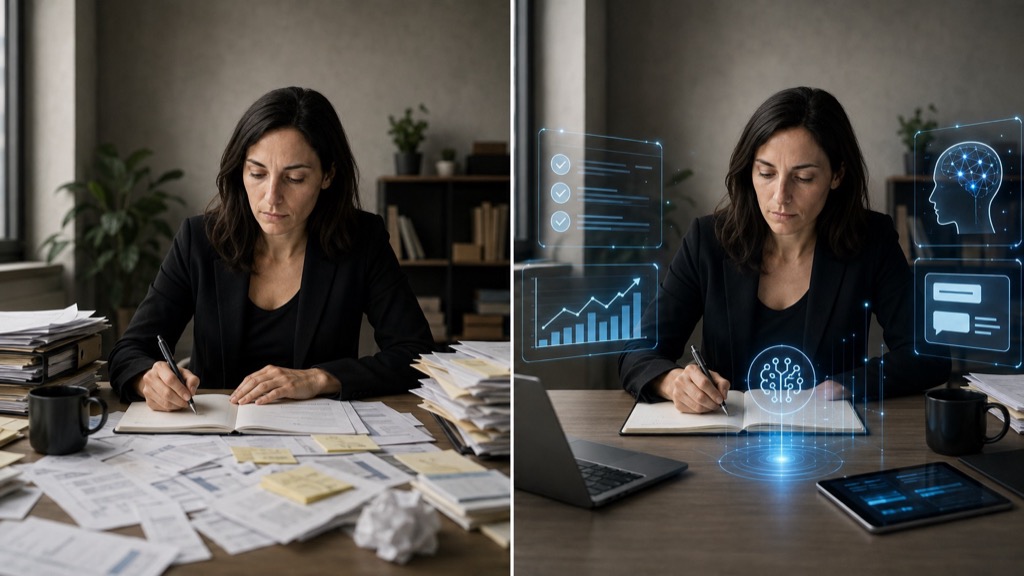
/splitview a human working alone versus assisted by AI
Prompt for this image
/splitview the same scene split in two: on the left a person working alone among papers; on the right the same person assisted by AI interfaces. Same light and framing in both halves. 16:9 format. No text.
No resultsTry another word or remove a filter.
Recommended combinations
Two codes together are far sharper than one. On the left, the reference image; on the right, the result with the codes applied.
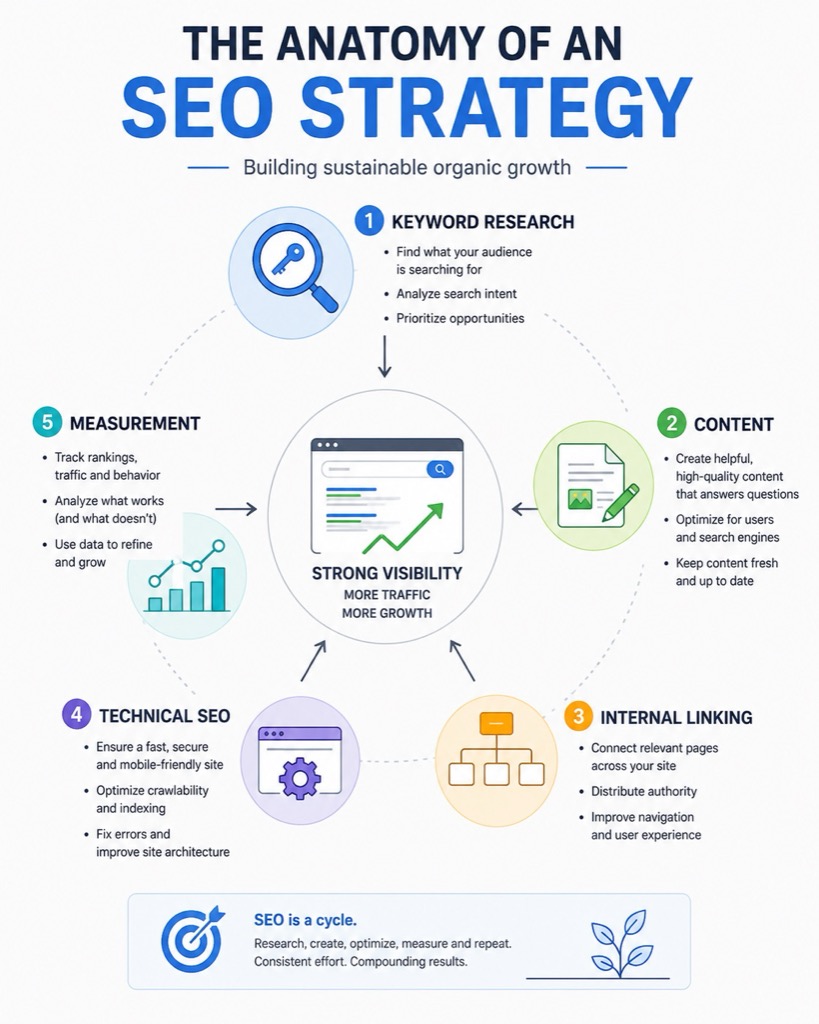
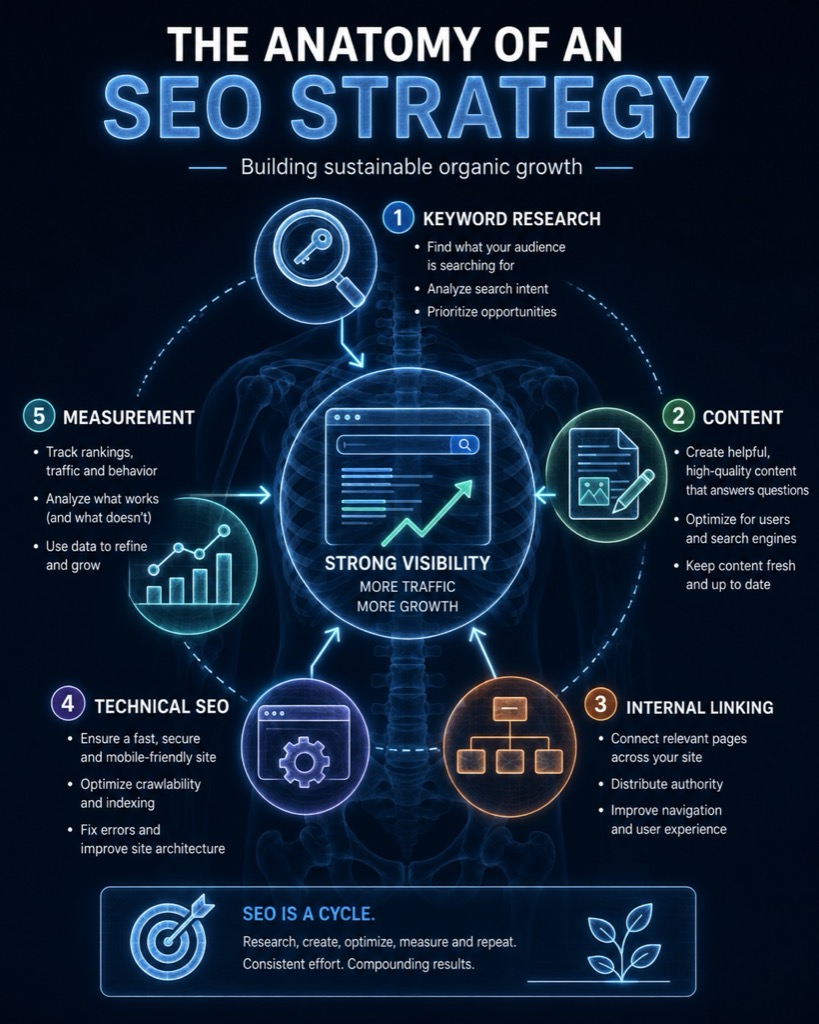
/xray /infographic
Anatomy of an SEO strategy
Reference · A flat infographic of the same strategy, with no layers or visible interior.With the codes applied
Prompt for this image
/xray /infographic anatomy of an SEO strategy: keyword research, content, internal linking, technical SEO and measurement. Clean style, English labels, vertical 4:5 format.
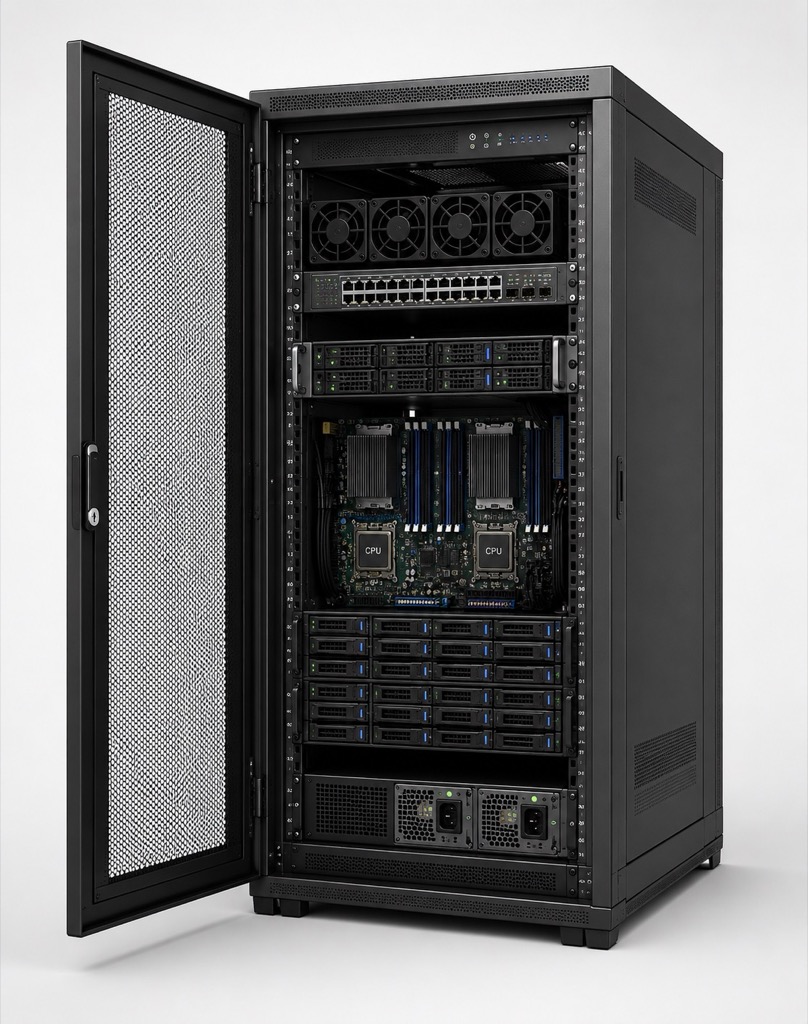
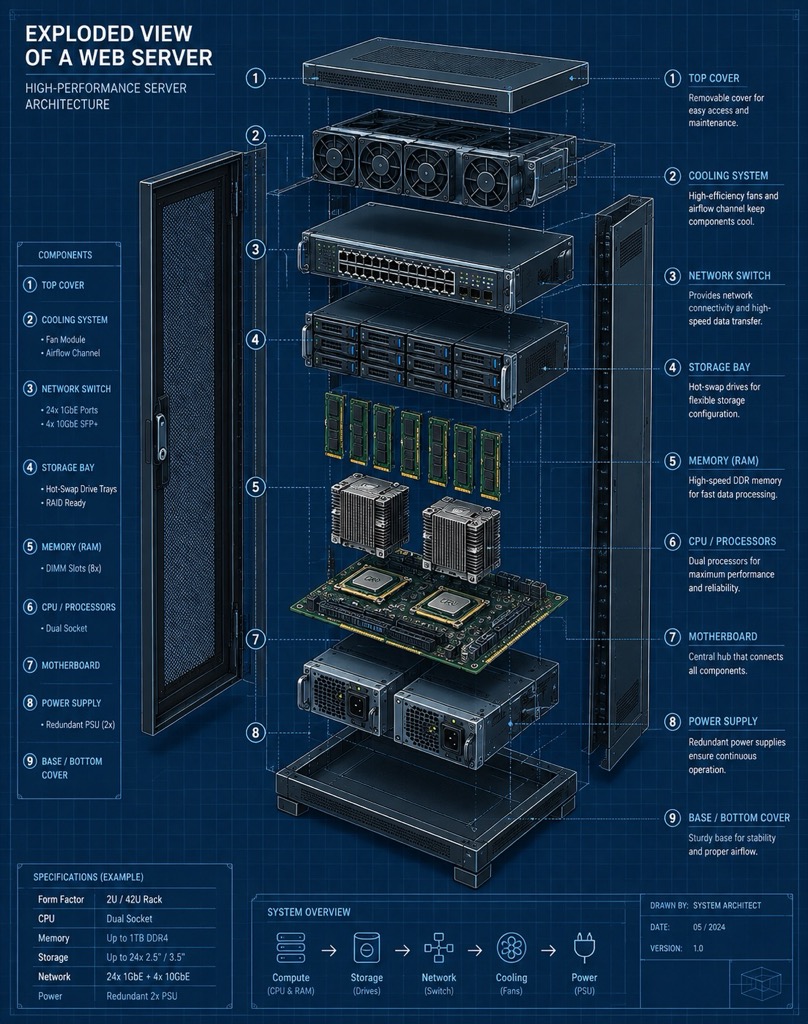
/blueprint /explodedview
A web server in exploded view
Reference · The same server assembled, as a conventional product photo.With the codes applied
Prompt for this image
/blueprint /explodedview a web server: rack, CPU, RAM, storage, network and cooling system. Blue technical plan, parts ordered and annotated.
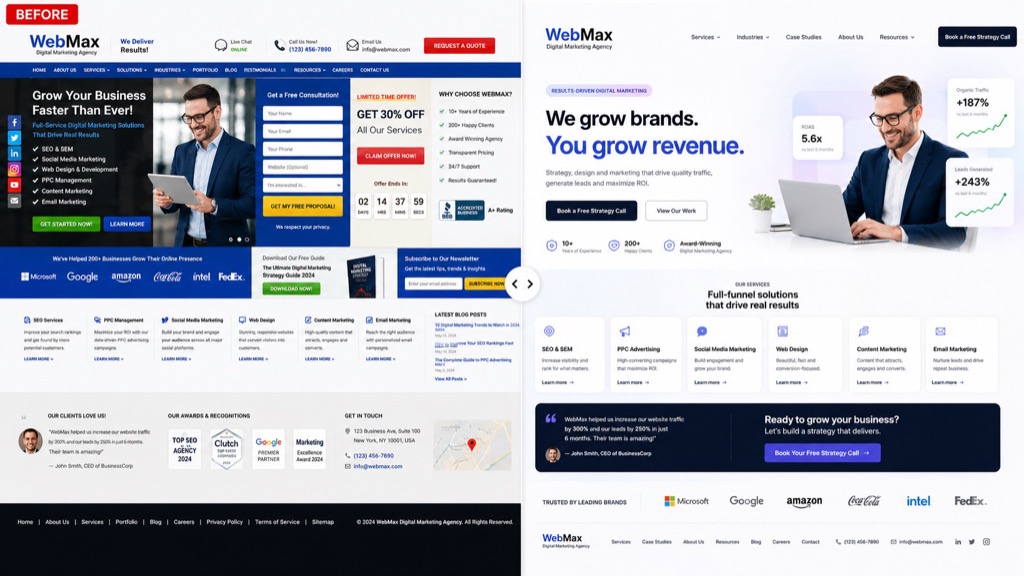
/beforeafter /ui
Agency homepage, before and after
Reference · The cluttered homepage alone, with no comparison.With the codes applied
Prompt for this image
/beforeafter /ui an agency homepage: left, cluttered and slow design; right, modern, fast and conversion-driven. 16:9 format.
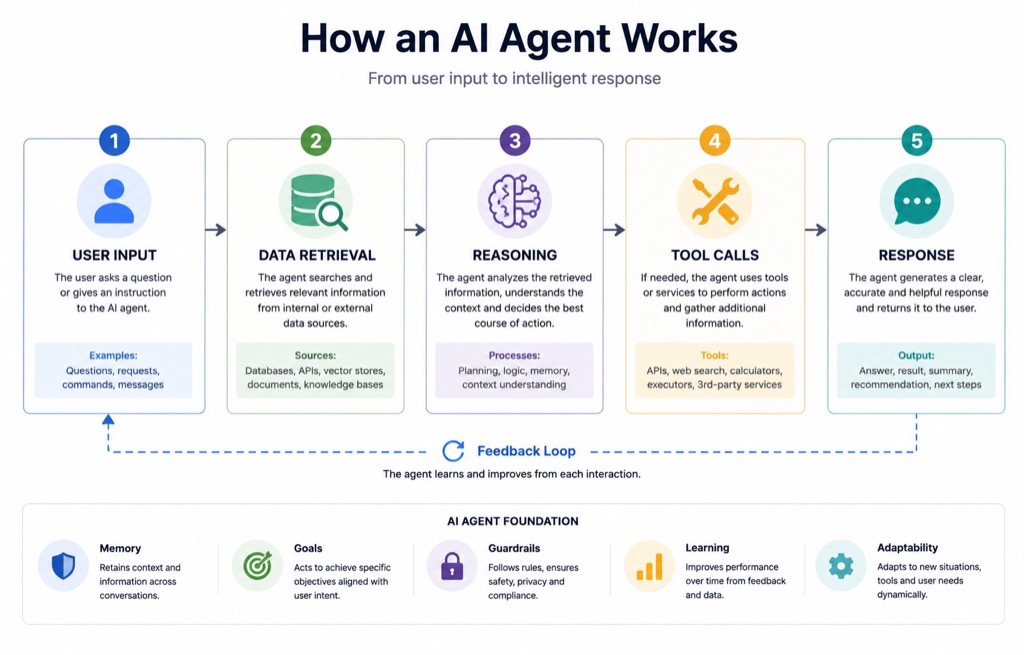
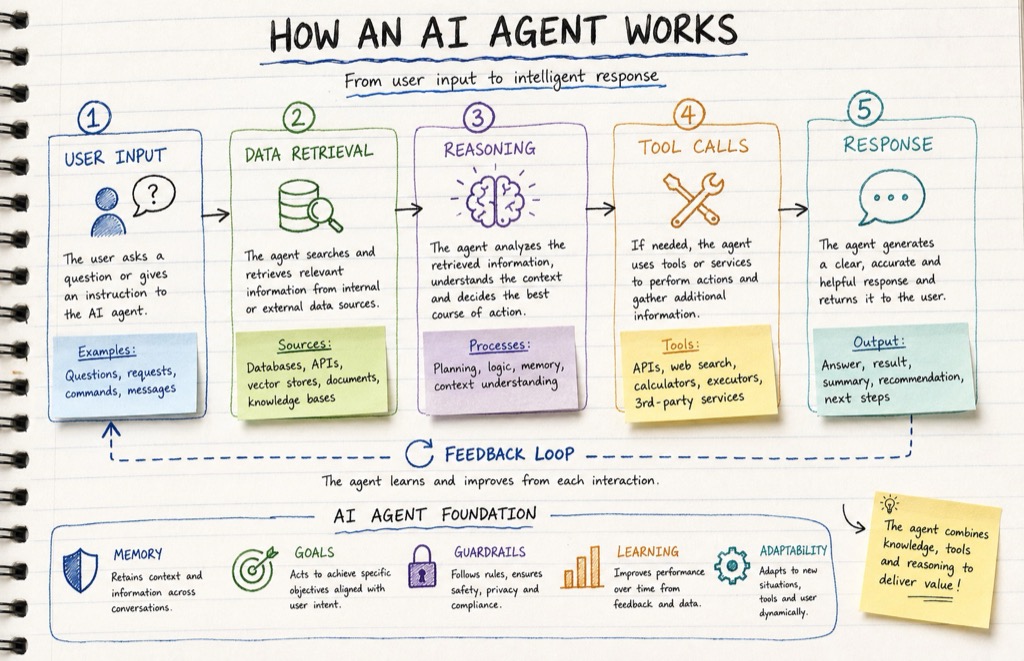
/handwritten /flowchart
How an AI agent works
Reference · The same diagram in a clean corporate style, with no hand-drawn stroke.With the codes applied
Prompt for this image
/handwritten /flowchart explain how an AI agent works: user input, data retrieval, reasoning, tool calls and response. Notebook style with arrows and sticky notes.
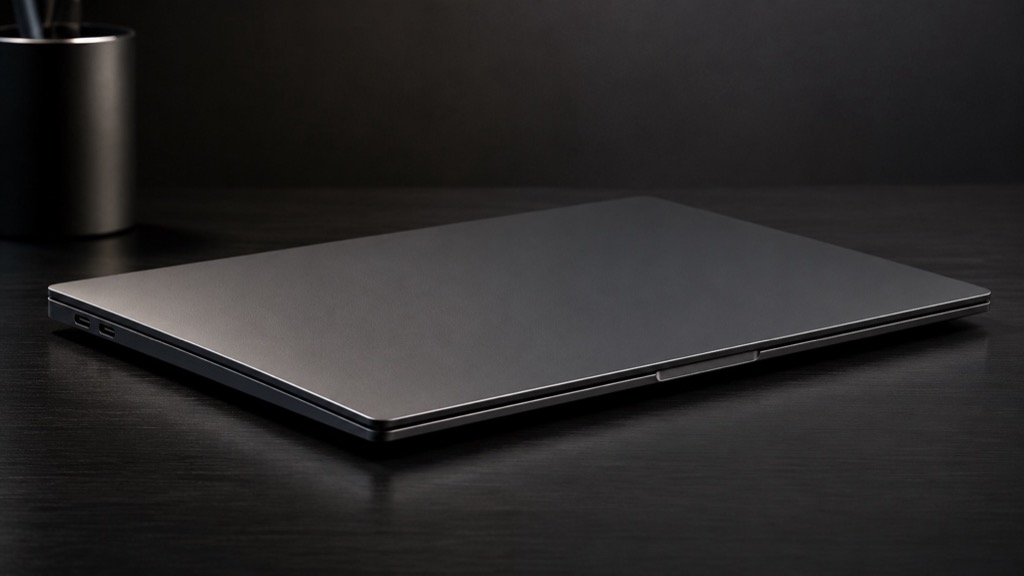
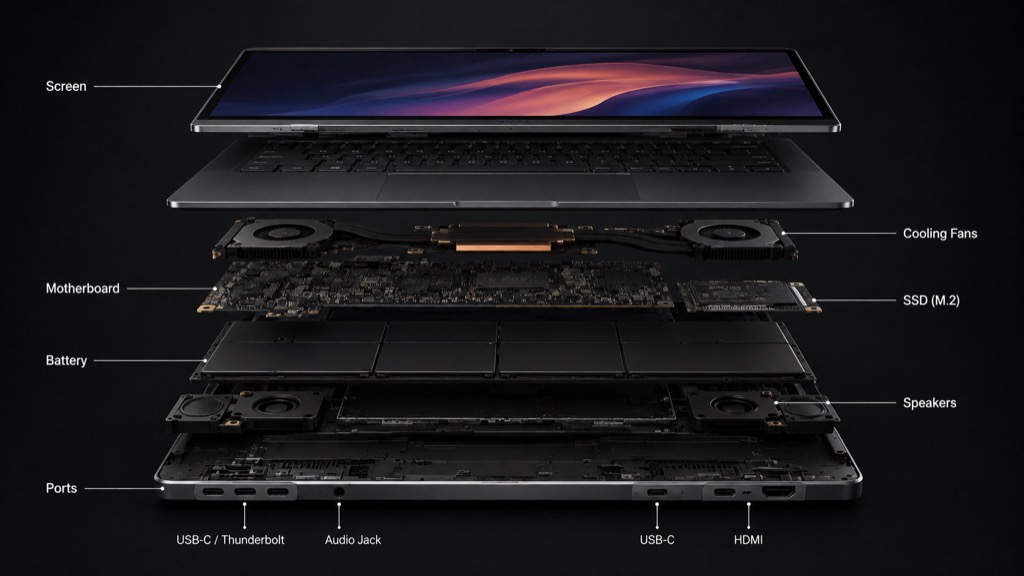
/xray /explodedview
Ultrathin laptop from the inside
Reference · The closed laptop on a desk, as a normal product photo.With the codes applied
Prompt for this image
/xray /explodedview an ultrathin laptop. Show screen, battery, SSD, motherboard, fans, speakers and ports. Photorealistic technical illustration, dark background, parts separated and clearly identifiable. No brands or logos. 16:9 format.
Useful modifiers
Add them at the end of the prompt to adjust framing, light, aesthetics and limits.
Format
16:9 formatsquare 1:1vertical 4:5story 9:16
Composition
close-uptop-down shotisometric viewrule of thirdsnegative space on the left
photorealisticeditorialclay-style 3Dwatercolourvintage engravingvectorpixel art
Consistency
crisp detailrealistic materialsconsistent shadows
Constraints
no textno logosno watermarksno peopleplain background
Good practice and limits
Be specific: state what must appear, what must be kept and what must not change.
If you need text in an infographic, write the literal wording, ask for legible text and cut the number of blocks.
For local edits, select the area of the image and describe only the change you need.
A code like /xray does not produce a real X-ray or inspection: it generates a visual interpretation. Never use it for medical, technical or safety diagnostics.
Always check text, proportions, labels and brand details before publishing the image.
Reusable template
Copy this structure and fill in the brackets. It works with any code on the list.
/[code] /[secondary code] Create [image type] for [purpose].
Main subject: [what must appear and what it is doing].
Setting: [place, era, atmosphere].
Style: [desired aesthetic].
Composition: [framing, position, space for text].
Lighting and colour: [light type and palette].
Format: [1:1, 16:9, 4:5 or 9:16].
Constraints: [what to leave out or what to preserve].
CLAUDE SKILLS
What if yours should be a Skill?
Turn your image workflow into a custom Skill. No code, in minutes.





 Reference

 Reference





 Reference


 Reference

 Reference

 Reference